
In this article, we will present 10 apps for drawing manga on your phone or tablet, as well as fanart and other anime-style drawings.
Anime and manga have steadily gained more space among young people and, increasingly, among adults too. With that rise comes a growing urge to sketch a favorite character, design an original one, or try your hand at your very first manga page.
You don't always have paper and pen on hand, and you don't need to be a professional to get started. Today's smartphones and tablets are powerful enough to act as a real portable studio. With apps available on the Google Play Store and the App Store, you can draw your favorite characters, manga panels, and anything else your creativity allows.
There are dozens of drawing apps out there for anyone looking to sharpen their digital skills. You might be wondering, "Which app should I choose?" With that in mind, we've put together a list of ten of the best drawing apps for Android and iOS.
Contents 10
1 – Jump Paint
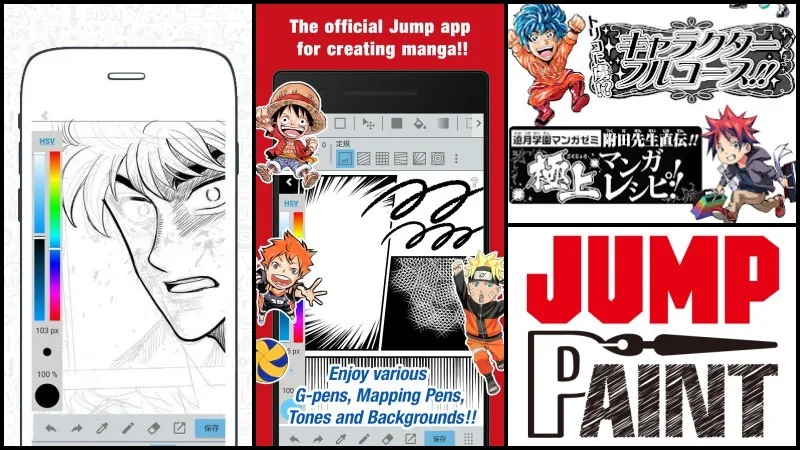
Jump Paint is one of the best apps for drawing manga out there. Trusted by a large community, it offers plenty of tools, including textures, predefined backgrounds, and speech bubbles. Best of all, it's free on both major platforms.
Jump Paint is also available for macOS and Windows desktops. We previously covered similar tools for drawing manga on the computer.
Jump Paint is developed by MediBang, which is itself a drawing app, though one that leans more toward general illustration than manga-style work.
2 – Ibis Paint X
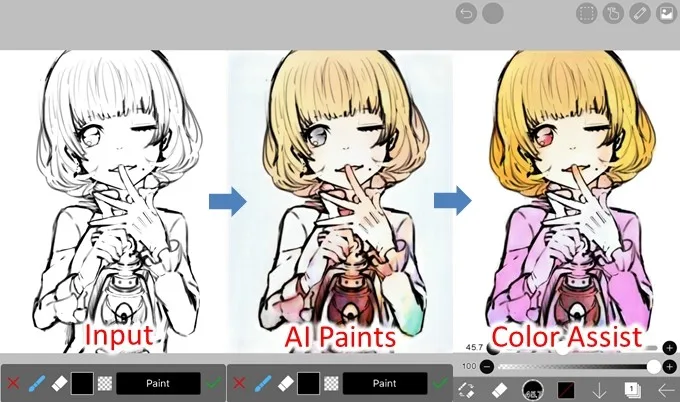
Ibis Paint X is one of the best drawing apps for mobile, and it's free and cross-platform. It comes with built-in tutorials that are genuinely useful whether you're a complete beginner or already advanced.
It's a great fit for artists who love illustration. The app includes stroke stabilization, rulers, and retractable masking tools, plus plenty of extras you'll likely enjoy, including a dedicated tool for drawing in manga style.
The app works with layers and offers a wide range of brushes, textures, and frames, which makes it easy to recreate full manga pages. You can also record and share video of your drawing process.
3 – MediBang Paint
MediBang Paint comes with a wide range of illustration and manga creation tools. The app includes several categories of brushes, making it easy to create and draw your favorite manga characters.
You can hide windows and panels to expand your canvas, and customize the shortcut bar so your most-used actions are always a single tap away. A nice bonus: MediBang saves your work to the cloud, so you can pick up where you left off from any device.
4 – ArtFlow
ArtFlow is one of the most comprehensive design apps available today. It was created specifically for fans of anime, manga, and similar styles, and it's currently Android-only.
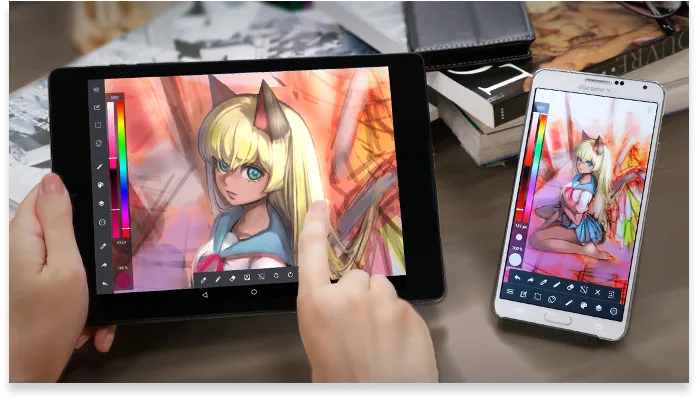
On phone or tablet, ArtFlow lets you work with up to ten different layers, with blending between them. The app ships with over 80 painting brushes, plus adjustment and fill tools.
You can tweak brush size, flow, and other settings to taste, turning your device into a full virtual design studio with plenty of options for painting, drawing, and erasing. Wide device compatibility is one of ArtFlow's biggest strengths.
5 – Paper Color
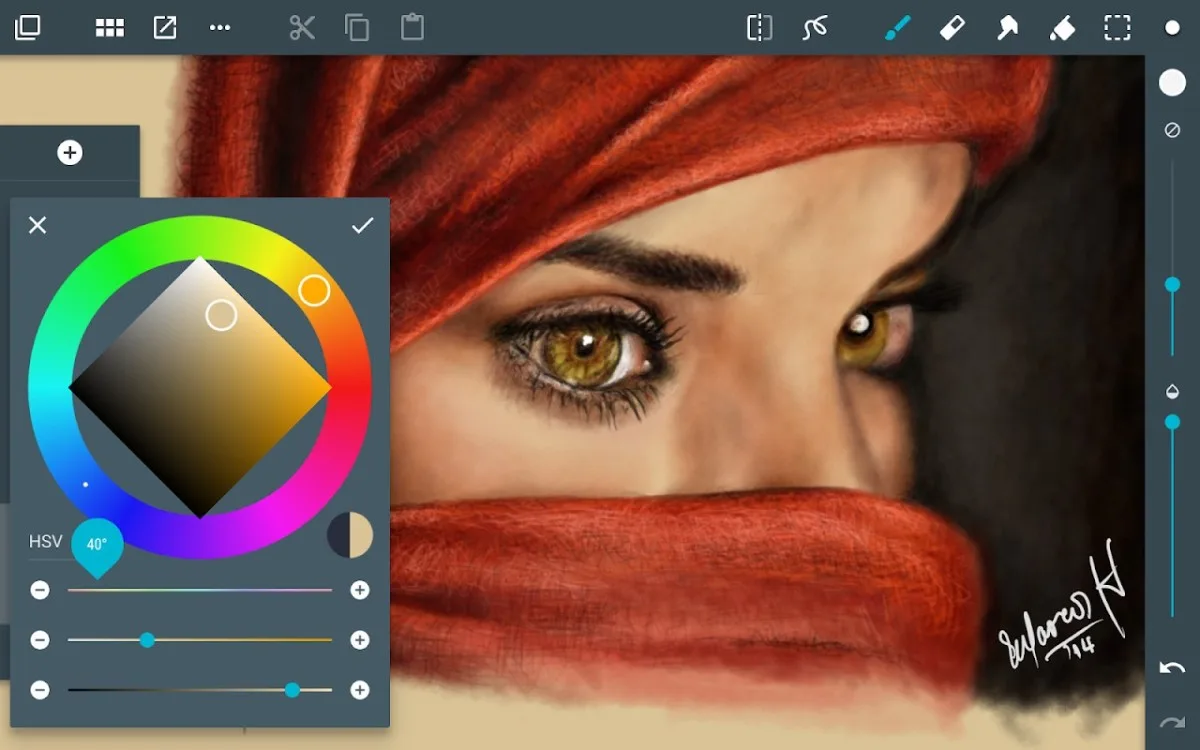
Paper Color is a simple app that focuses on the essentials, with different categories of markers and other basic design tools. If you want to learn how to draw on Android, this is one of the most beginner-friendly picks around.
With it, you can create polished illustrations using tools that convincingly mimic real-world materials like brush, ruler, and eraser. You can also import a photo into the app and rework it however you like before exporting.
Paper Color is a great app for learning. It comes with a clean portfolio view and one of the largest, easiest-to-browse brush libraries of any design app. The VIP version unlocks a blank canvas with the full set of advanced tools.
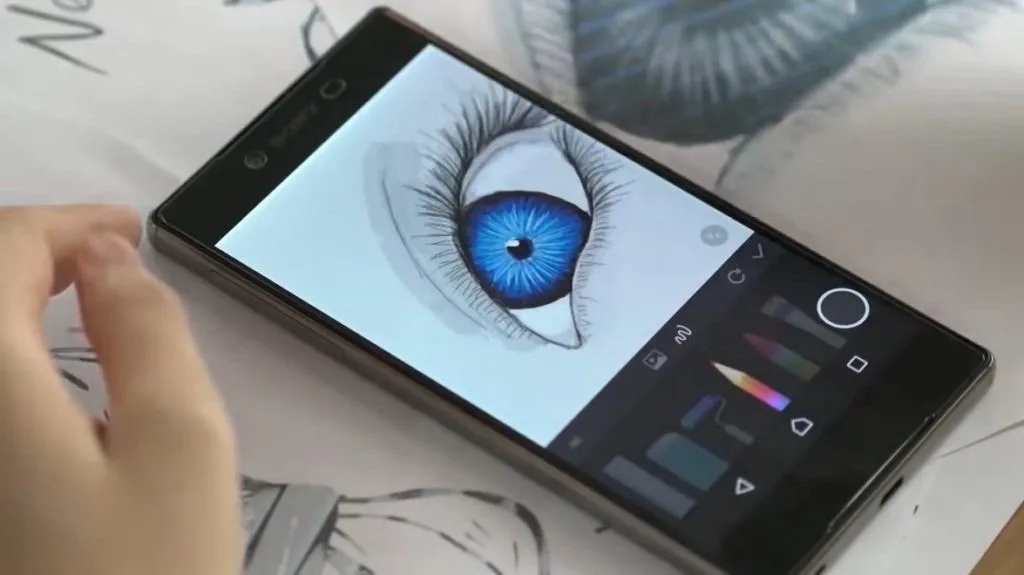
6 – Adobe Illustrator Draw
Adobe Illustrator Draw includes most of the features its users ask for. It supports full layer functionality, just like its desktop counterpart, and offers zoom up to x64 so you can work on fine details with ease.
You get five distinct pen tips, each with a range of customization options. The app lets you create and save vector illustrations directly on your phone or tablet. The brush tools are not only pleasant to use but also surprisingly fluid.
The vast majority of features are free. If you have an Adobe Creative Cloud account, you'll unlock a few extras on top.
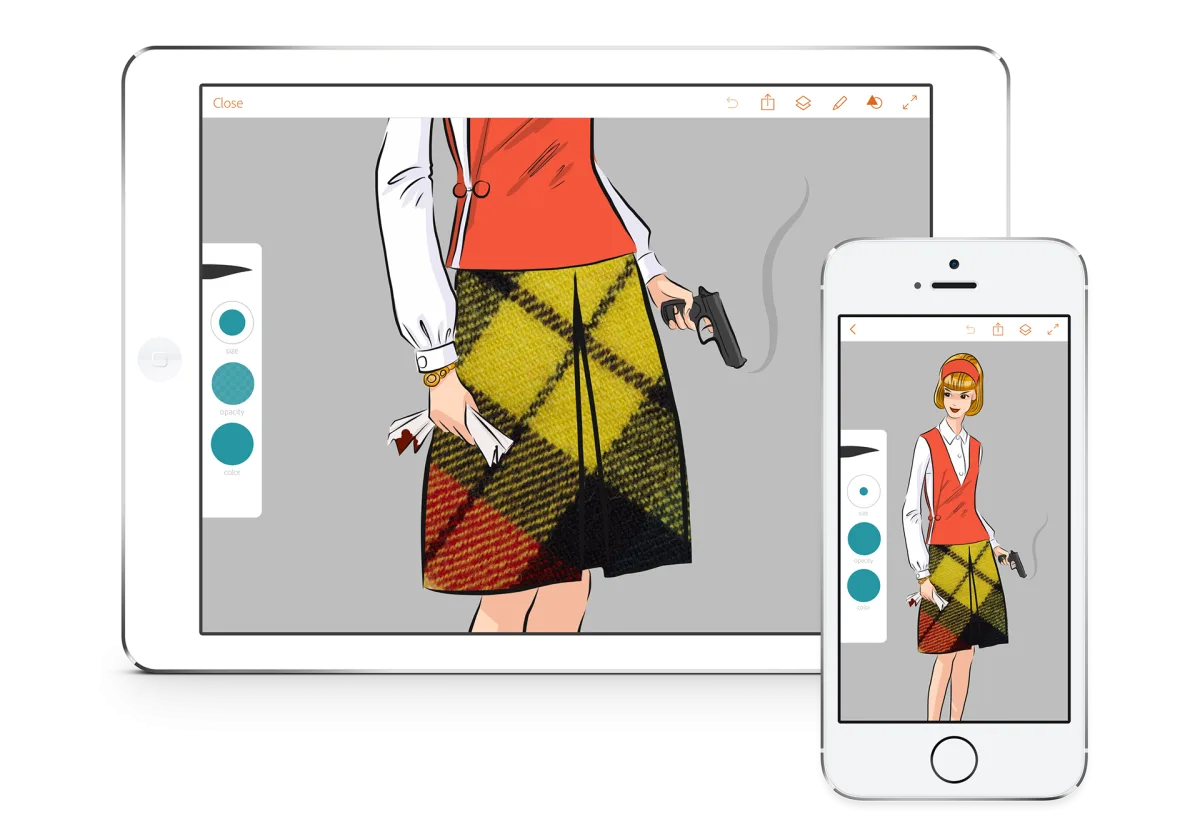
7 – Adobe Photoshop Sketch
Photoshop Sketch has long been part of the iOS lineup and was only recently added to the Google Play Store. One of its biggest strengths is the variety of tools for shaping and curving strokes in your projects.
Adobe Sketch shines when it comes to rasterized sketches, with a generous brush library that lets you create just about anything, provided you have the drawing skills to match.
Sketch's tools sit alongside those of Adobe Draw, so you can switch between the two depending on what you need. Adobe's strength has always been building not just interesting apps but creative ecosystems around them.
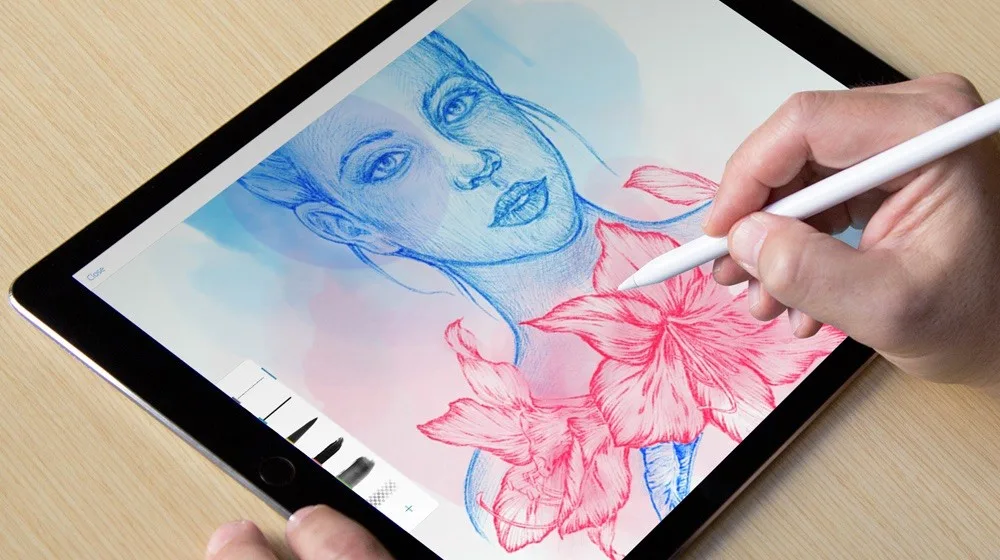
8 – Procreate
Procreate is built for iPhone and iPad users and is available only on the App Store. The interface is easy to pick up and lets you quickly tweak brush size and opacity on the fly, which is a real time-saver when you want to stay focused on what you're drawing.
There are over 130 brushes on offer, with more than 50 customizable settings for each. The app also includes a solid set of animation and video features.
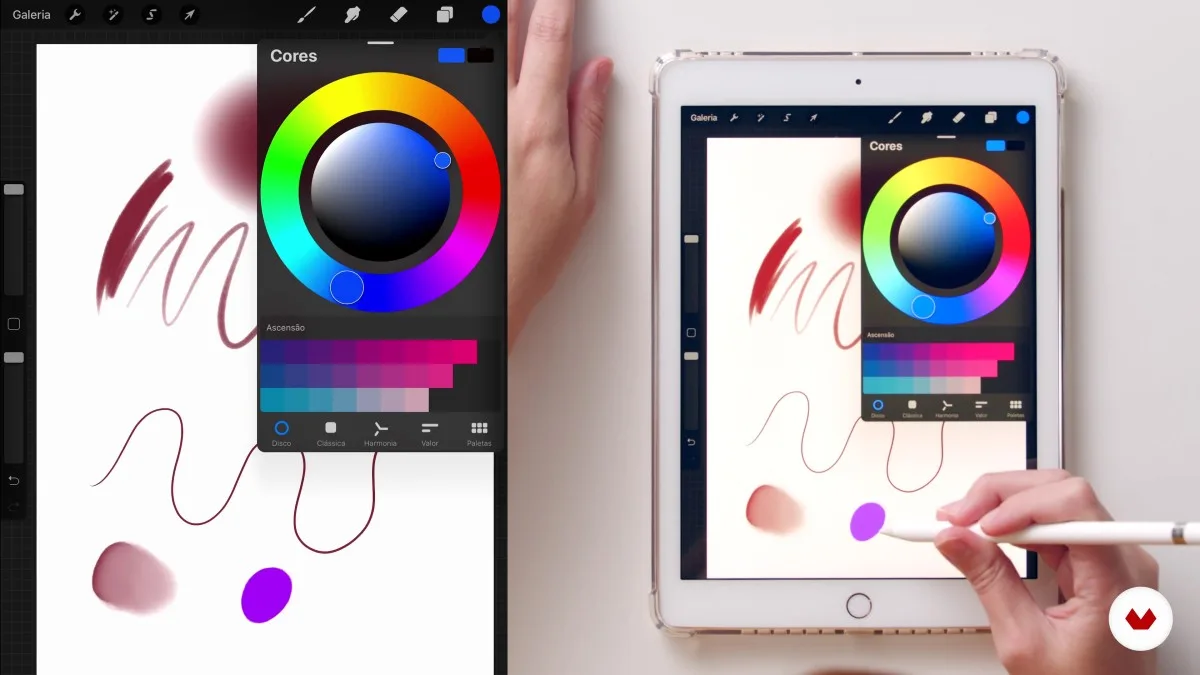
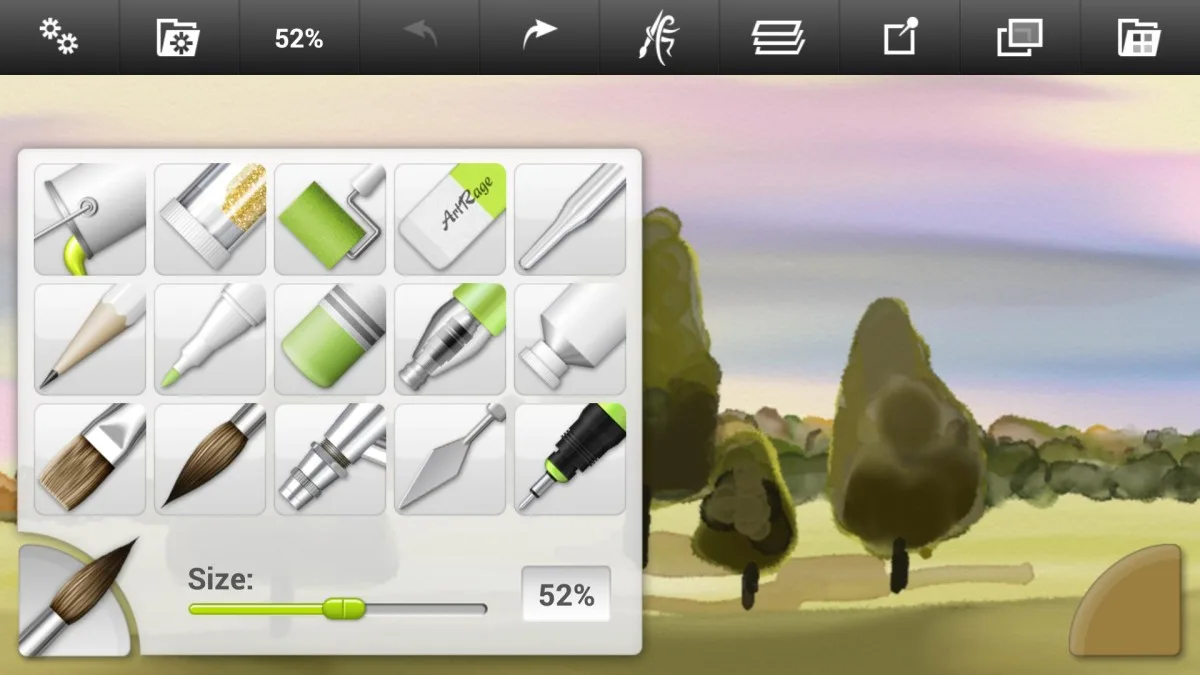
9 – ArtRage
ArtRage is a comprehensive app for anyone who wants to produce polished designs quickly and digitally. You get unlimited digital canvases and a wide color palette that brings a realistic feel to your work. The main downside: ArtRage isn't free. The price, though, stays reasonable and is well worth it for the digital painting experience it offers.
10 – Corel Painter Mobile
Corel Painter Mobile is another example of a simple yet very effective design app. It offers multiple pencil and brush sizes, a color picker for sampling tones, and a host of other options, including vertical, horizontal, and kaleidoscope symmetry tools.
The Corel Painter Mobile drawing app is available on Android and comes with a free trial period. It's made by the same team behind the well-known CorelDRAW software.
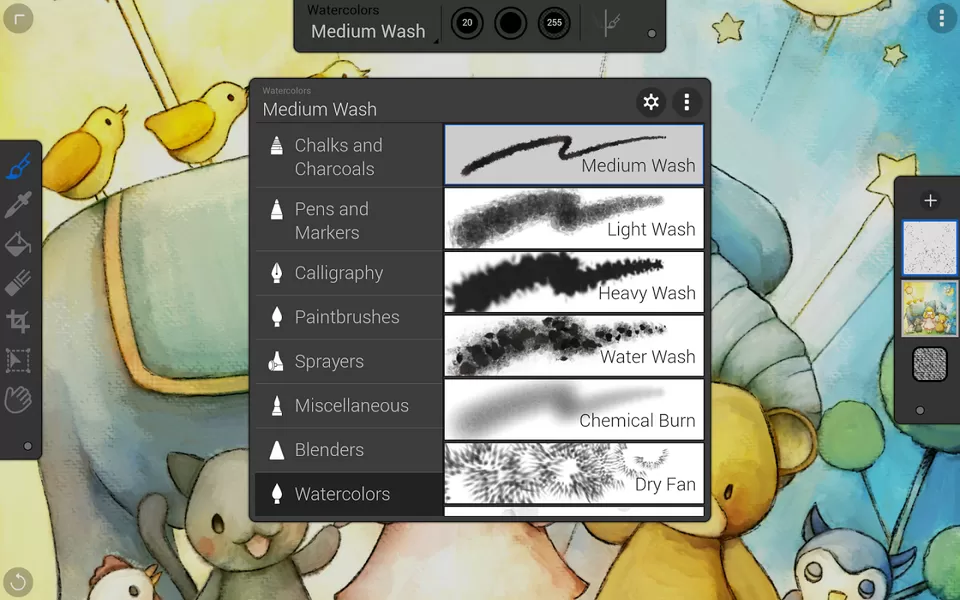
Which app suits you best depends on whether you prefer sketching on a phone or working on a tablet with a stylus, how many features you actually need, and which operating system you use. Try a few at the start — most of them offer a free version or trial, so you can figure out which one feels right without spending a cent.





Community
Comments
0 comments
There are no published comments in this language yet.
Send comment