
Japanese anime is hugely popular around the world, and the industry behind it has been generating massive profits for production and streaming companies for years. With the internet growing at the pace it has over the last few decades, it was only a matter of time before app and web developers grabbed a slice of the anime cake for themselves.
That is how a wave of websites and apps started popping up, letting users design their own anime characters and avatars — many of them completely free. These platforms help you build an anime-style avatar, meaning a character with the visual traits that dominate Japanese animation. The look varies from platform to platform, but a few staples show up almost everywhere: large, expressive eyes and brightly colored hair.
With hundreds of character and avatar makers out there, though, picking the right one for you can be a chore. To save you the digging, this article rounds up the 10 best sites for creating your own anime characters and avatars.
Contents 10
1. Pocket Anime Maker
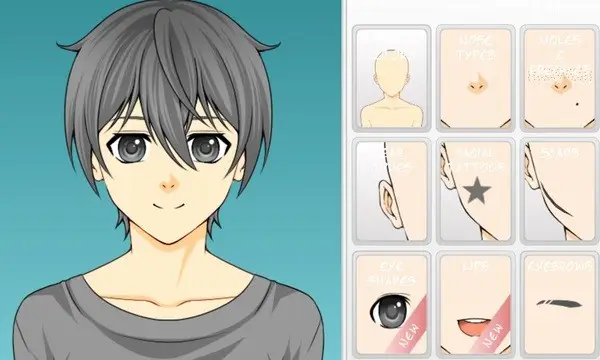
Kicking things off is Pocket Anime Maker. The site leans toward the cuter side of anime design. It offers 10 skin tone options, plenty of hairstyles, and a wide range of hair colors. You can also tweak eye shapes and add small facial details like freckles, scars, and a few smile styles.
On top of that, there is a generous clothing library to dress your character. Other items you can layer on include beards, head accessories, belts, necklaces, and more. When you save the image, you can even tack on those classic anime expression marks — sweat drops, hearts, and similar options. The final result downloads as a PNG.
2. Avatar Maker: Anime
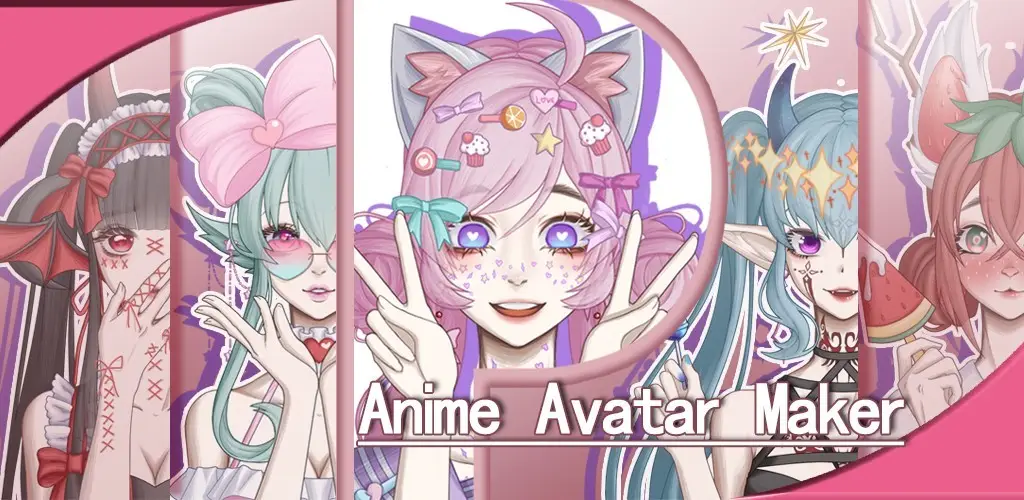
Avatar Maker: Anime is a mobile app available for both iPhone and Android. It comes with plenty of mix-and-match options, so you can build original characters across just about any genre — romantic, fantasy, fictional, contemporary, and more. The app ships with more than 10,000 characters, flexible hair colors, and a deep accessory catalog.
You can drop your characters into manga or comic panels to build your own little stories. Finished avatars can be saved to your phone's gallery or used directly as a profile picture.
3. Custom Anime
Custom Anime has a more retro feel and leans into classic anime styling. It gives you a solid spread of hairstyles, eyes, mouths, and eyebrows, plus a clothing catalog that helps your character feel like a person rather than a template.
One of the things that sets it apart is the accessory depth. You can add tattoos, chains, earrings, and bracelets, or swap in weapons like swords and revolvers. The platform also lets you change the background and fit more than one character into a single image. Final exports come as JPG and carry a watermark.
4. Character Creator
True to its name, Character Creator lets you build an anime character quickly and enjoyably. The catch is that you can only work with male or female anime bases. Within those limits, though, you can change gender presentation, add accessories, throw on wings, and play with plenty of other options.
Final avatars export as SVG, which is handy if you want to drop them into comics, games, or commercial projects. Built-in accessories are included, and every feature on Character Creator is free to use.
5. Doll Divine - My Manga Avatar
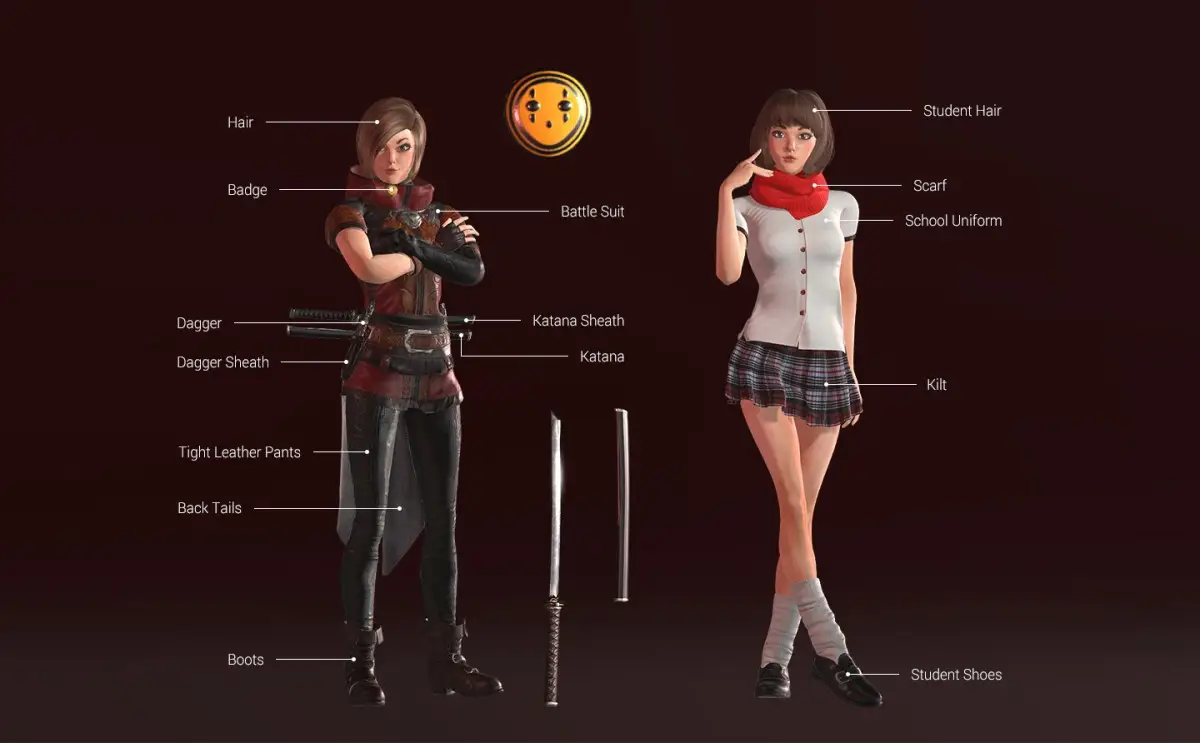
Doll Divine feels a bit like a dress-up game for kids. It has fewer customization items than some of the others on this list, but it makes up for that with clean graphics and smooth transition effects.
You can set facial features like eye color and shape, mouth, and nose, then pick a hairstyle and skin tone to match. The clothing options lean modern — think off-the-shoulder tops and glittery pieces — and accessories range from necklaces and bows all the way to a smartphone prop.
The one real drawback with Doll Divine is that it does not give you a save button. The workaround is simple: finish your character and take a screenshot to keep your creation.
6. Picrew
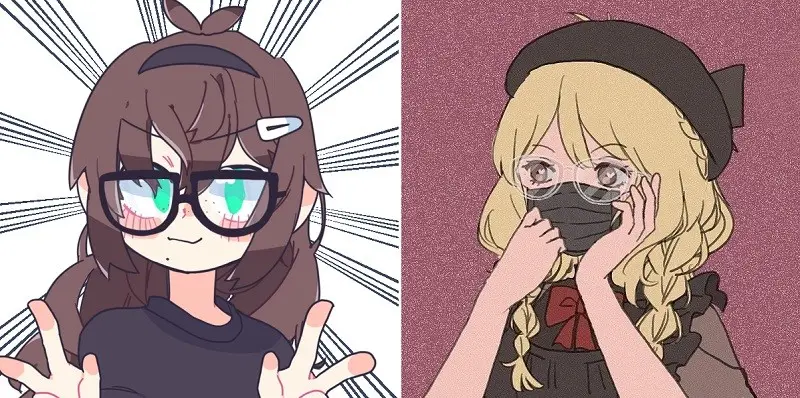
Picrew is a Japanese avatar maker that gives you two ways to use it. The first is to build your own character from scratch, drawing on user-created options for eye shapes, noses, eyebrows, and the rest.
That route is a bit more involved than the other tools here, since you need an account on the platform and some comfort with image editors to get the most out of it. If that sounds like too much, you can simply assemble a character from the drawings other Picrew users have already published. You will find aesthetics here that you will not run into anywhere else.
Finished images can be downloaded as PNG or shared via a link. The site itself is fully in Japanese, so a translation extension comes in handy.
7. Moe! Avatar Maker
Moe! Avatar Maker is another Japanese site, this one aimed at pixel-art anime avatars that work well as profile pictures. The interface looks a little dated, but it makes up for it with sheer volume — there are over 50 eye shape variants alone and more than 80 hair styles to pick from. You also get background options, arm poses, head accessories, and a clothing catalog, with the ability to recolor items at the end.
You can save the finished character as JPEG, GIF, or PNG. The site is in Japanese, so a real-time translation tool is basically required to use it comfortably.
8. Cripko Avatar Maker
Crypko is a powerful tool that uses GAN (Generative Adversarial Network) technology to generate professional-quality anime characters automatically. Many people see Crypko as a commercial evolution of MakeGirlsMoe. The platform also sells Crypko cards and codes that you can use to generate higher-quality characters.
Combining different cards lets you produce more character variations than you would get on your own. Crypko essentially works like an illustrator on demand, and it can pair up with human pros in the anime production pipeline. To start generating characters, just head to the official site and follow the prompts.
9. Avachara
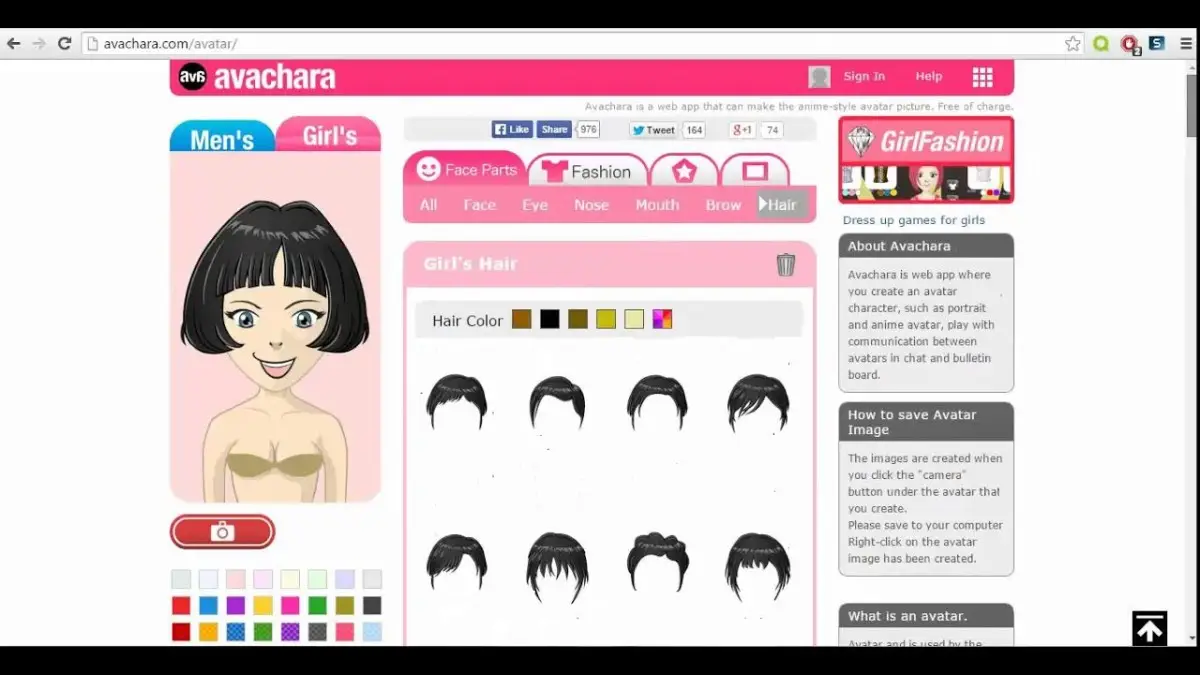
Avachara supports both male and female characters. Beyond the usual physical features — the shape and color of eyes, face, nose, and mouth — you get a clothing and accessory layer to add personality.
What really sets Avachara apart is the prop library. Your avatar can hold a guitar, ball, racket, skateboard, sword, camera, or any of several other objects. If you would rather share the spotlight, you can even add a pet into the scene.
10. MakeGirlsMoe
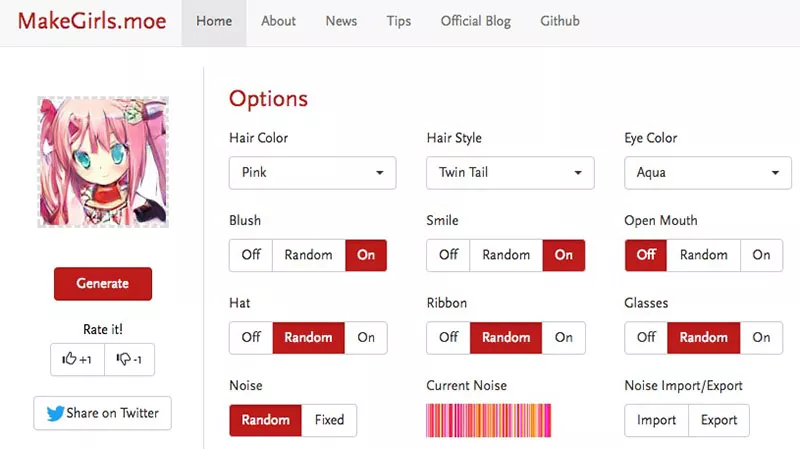
MakeGirlsMoe is another solid option for generating anime characters, developed by researchers from Fudan, Tongji, Stony Brook, and Carnegie Mellon universities. The tool creates high-quality anime characters on its own, no drawing skills required. Unlike Crypko, however, MakeGirlsMoe is restricted to non-commercial use.
The site can auto-generate characters, but it also exposes a long list of manual adjustments — blush, hair color, hairstyle, eye color, smile, hat, glasses, ribbon, and more. It is a nice middle ground if you want quick AI results with the option to fine-tune the look.

Community
Comments
0 comments
There are no published comments in this language yet.
Send comment