
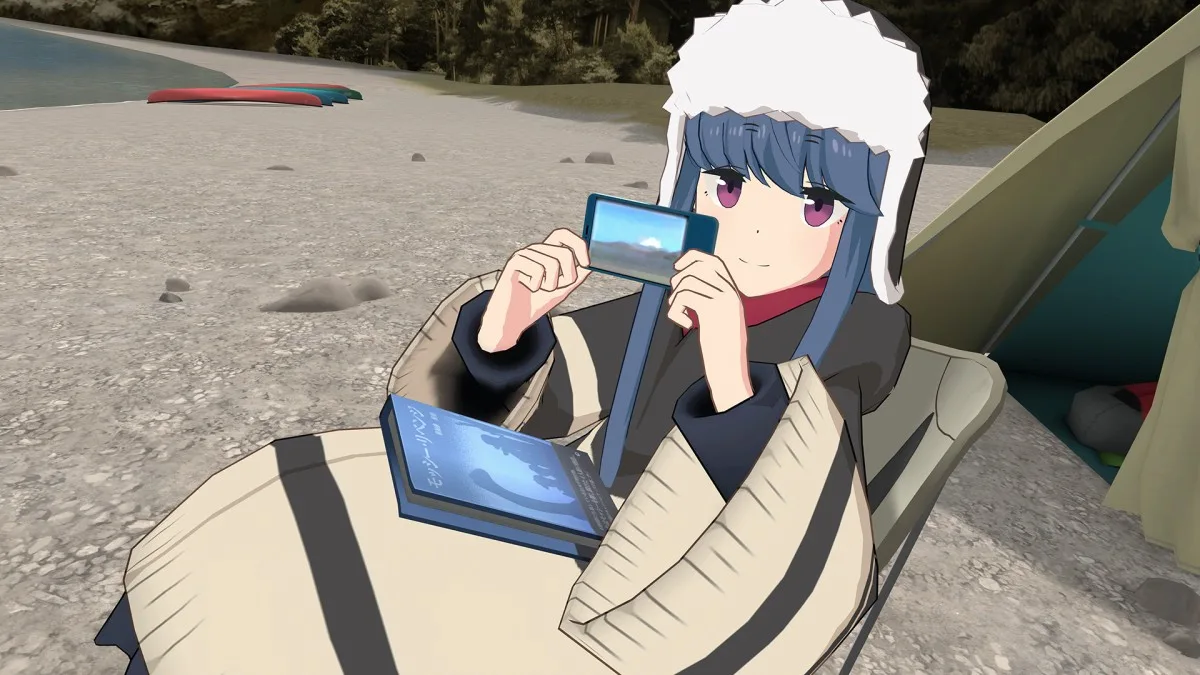
Have you seen those anime characters presenting videos on YouTube? Have you ever wondered which apps the channel creators use? Today we will recommend the best apps to create VTubers and animated characters.
We recommend reading: The Best Social Networks for Otaku and anime fans
Contents 9
What is a VTuber?
VTuber is short for Virtual YouTuber, which are YouTube channels of anonymous people who usually use anime-style characters to present their videos.
VTubers are popular in Japan and other parts of the world, and their videos can be found in different genres, including entertainment, games, and much more.
The term does not refer only to those channels with anime characters, but to any type of character; it can be 3D with an American style, it is still a VTuber.
The quality of a VTuber character can vary with the creator's dedication. Some use automatic software, others model characters and movements from scratch, being more realistic. Different apps and knowledge are needed to work in this area.
We recommend reading: The 15 Best Anime VR Games for Oculus Quest
Basic apps to make VTuber videos
When we talk about apps to make VTubers, we think of those software that create animations and characters, but usually making videos for YouTube requires much more.
We need other software that captures the face, overlays the character on some video, and things like that. Here are some useful apps that VTubers usually use:
- Adobe Premiere Pro - This is a professional video editing program that can be used to edit and produce your VTuber videos.
- OBS Studio - This is a free live streaming software that can be used to stream your VTuber videos live on YouTube, record, or upload to other platforms.
- MotionBuilder - This is a 3D animation software that can be used to create realistic movements for your VTuber characters.
- Blender - Blender is a free 3D modeling, animation, and rendering software that can be used to create characters and environments for your VTuber videos.
- Daz 3D - This is a 3D modeling and animation software that offers a wide variety of characters and customization options for your VTuber videos.
- iClone - iClone is a 3D animation software that allows you to create realistic characters and environments for your VTuber videos quickly and easily.
- Maya - Maya is a professional 3D animation software that offers a wide variety of tools to create characters and environments for your videos.
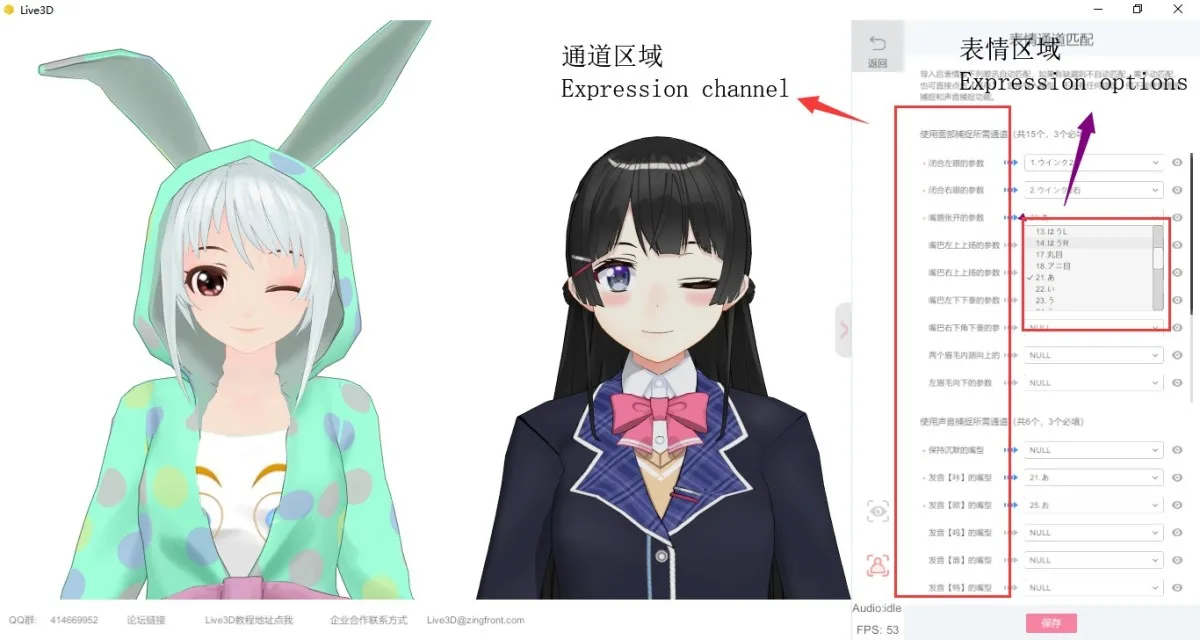
Live3D
Live3D is one of the most popular and complete software to start VTubing. Its main software includes modules such as: vTuber Maker, vTuber Editor, vTuber Gallery, and vTuber Extension.
The software offers virtual cameras, push streams, motion tracking, behavior effects, a rich content gallery, 3D scenes, poses, avatars, dynamic arts, and much more.
The software also offers VTuber effects for Twitch that you can use during live streams to maximize Twitch Bits earnings.
VTube Studio
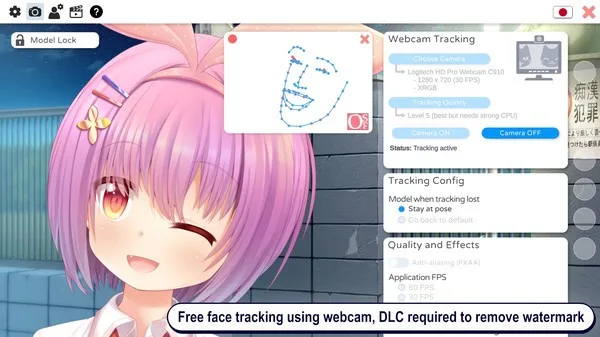
VTube Studio is a set of editing software for VTuber content creators that offers a wide variety of editing tools for animated characters.
Additionally, VTube Studio also has live streaming features, support for multiple audio layers, integration with other 2D character modeling apps like Live2D, and an intuitive and easy-to-use user interface.
The software is available on Steam for free for all desktop operating systems. There are paid features such as watermark removal.
VRChat
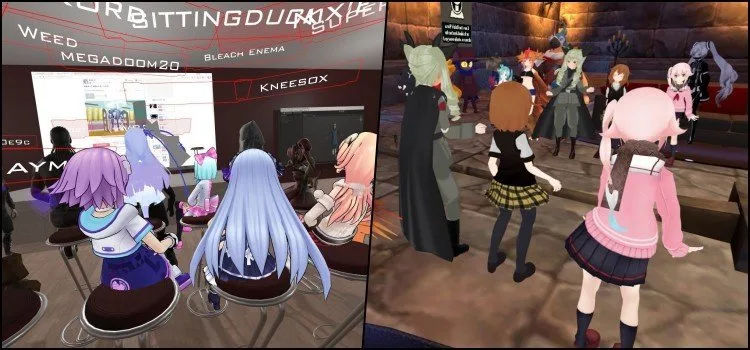
VRChat is a virtual reality application that allows users to communicate and interact in a virtual world with various characters, mainly from anime and manga.
It is popular among VTubers because it allows them to stream live and interact with other users in real time. There are even famous channels with only VRChat videos like Lanzinho and Anya's videos.
To use VRChat, you need a VR headset, but it is also possible to play on PC without the headset, making capture and recording easier, but hindering interaction and immersion.
We recommend reading: VRChat – The experience that all otakus will want
Wakaru
Wakaru is an accessible and easy-to-use VTuber software for beginners available on Steam. It allows you to become a VTuber without advanced VR equipment.
Some of its features include eye tracking, head pose capture, mouth shape capture, facial control, and real-time gesture tracking.
VRoid Studio
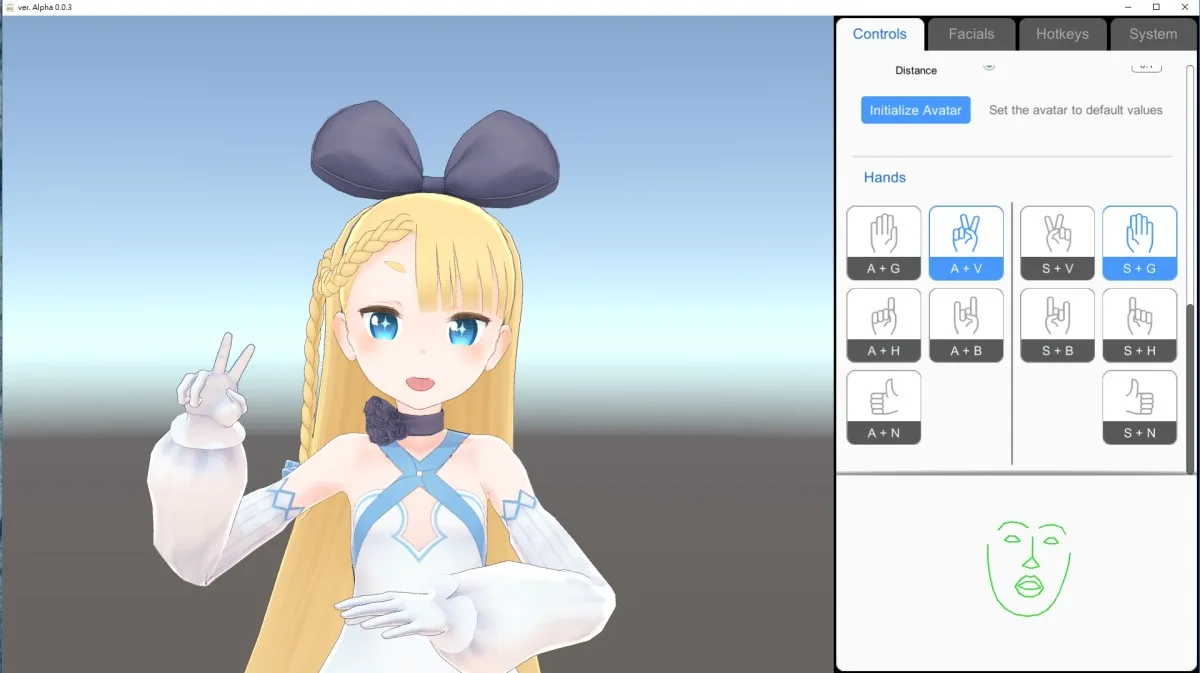
One of the main advantages of VRoid Studio is that the avatars created in it can be used in various different contexts. They can also be exported to other content creation apps, such as Live2D.
Another interesting feature of VRoid Studio is that it is compatible with the VRM file format. This means that it is possible to use the avatars created in VRoid Studio in other VRM-compatible applications.
VRoid Studio is a powerful and versatile application for creating 3D characters that offers a wide variety of customization and editing options. If you are looking for an app to create virtual avatars or characters for animations, VRoid Studio is an option to consider.
Animaze
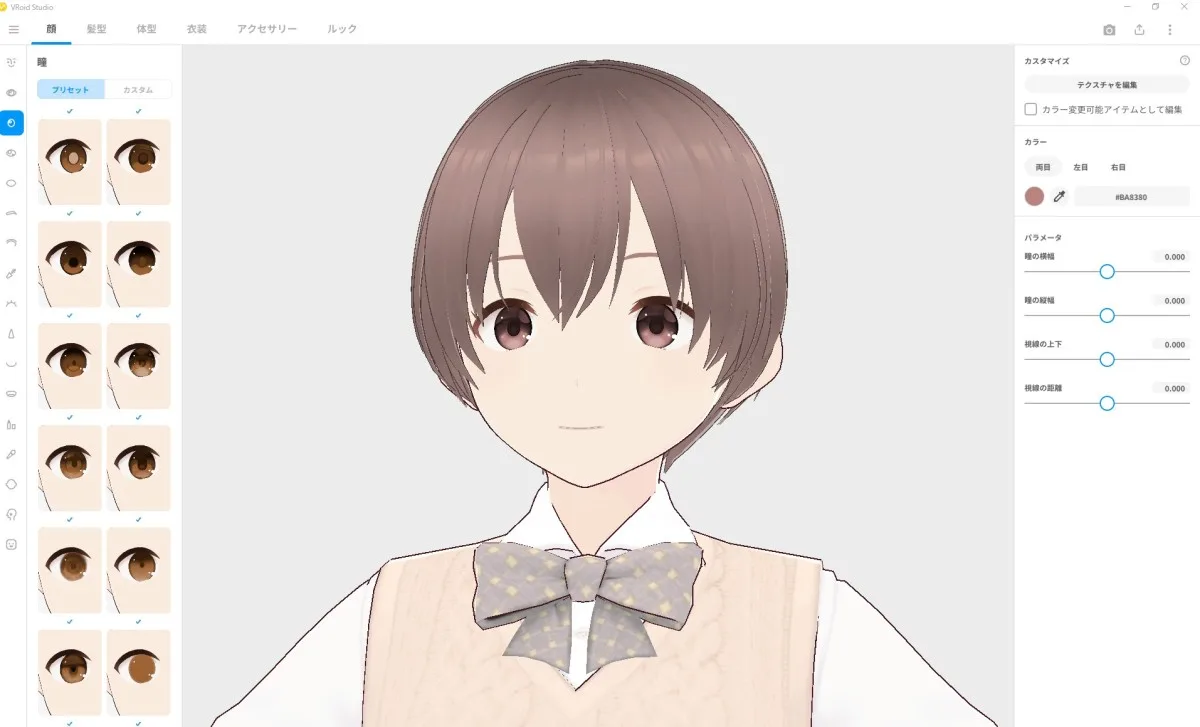
Animaze is an animation app focused on talking animals (it also does anime) that is easy to use and offers a wide variety of drawing and editing tools, as well as integration with other apps and platforms.
One of the main advantages of Animaze is its ease of use. The app has an intuitive interface and drag-and-drop tools, making it easy for users to start creating animations quickly, even if they have never used an animation app before.
Additionally, Animaze allows users to import images and videos to use as elements in their animations, further expanding creative possibilities.
List of Apps for VTuber
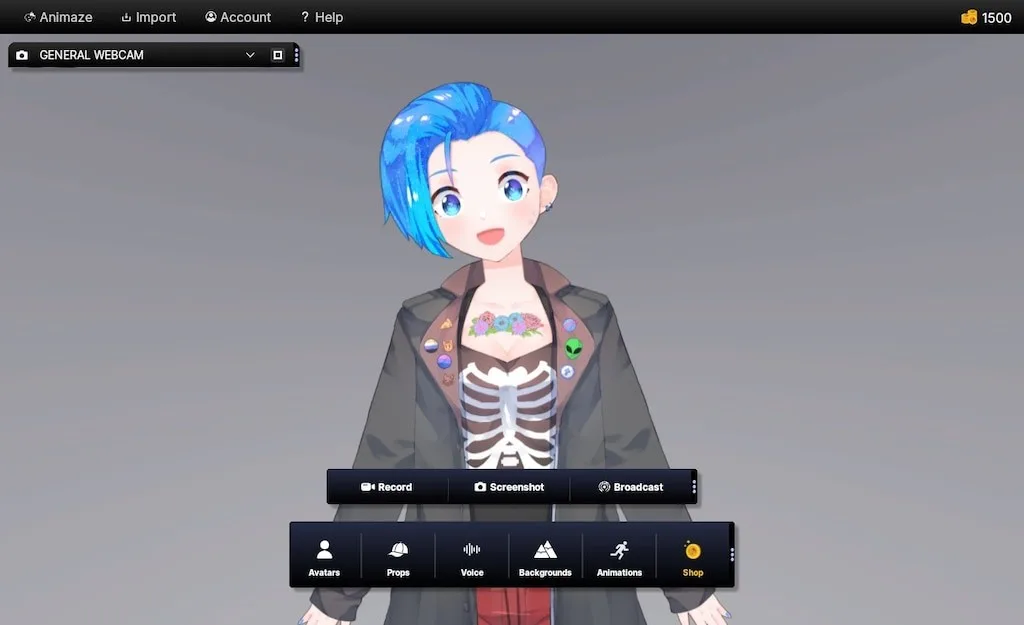
Do you really think we will list details of 50 apps in a single article? That will take a long time and most people won’t read it. If you have already searched for other lists, maybe in the app list below you will find some software you don't know yet:
- VRoid Studio
- Face Cap
- 3tene (mitene)
- Live3D
- Luppet
- VTube Studio
- VSeeFace
- Animaze
- Waidayo
- Wakaru
- Cecil Makeover App
- HGFaceDD
- V-Katsu
- FaceVTuber
- Twitch Studio
- Live2DViewerEX
- SLOBS
- ActionHand 2D
- VRM Live Viewer
- iFacialMocap
- StreamBeats
- Free 2D bases
- VPupPr
- PrprLive
- Waidayo
- Vtube Maker
- VMC
- Lightstream Studio
- Virtual Morphing Maker
- Hitogata
- Tracking World
- SUVA
- Puppermoji
- VirtualCast
- Vtube Studio
- OBS.live
- VUP
- Vovola
- HoloLive
- VPocket
- iVCam
- MocapX
- VMagicMirror
- Voicemod
- Spud Controller
- iFacialMocap
- 3D Kalidoface
- RiBLA
- VKatsu
- WebcamMotionCapture



Community
Comments
0 comments
There are no published comments in this language yet.
Send comment