
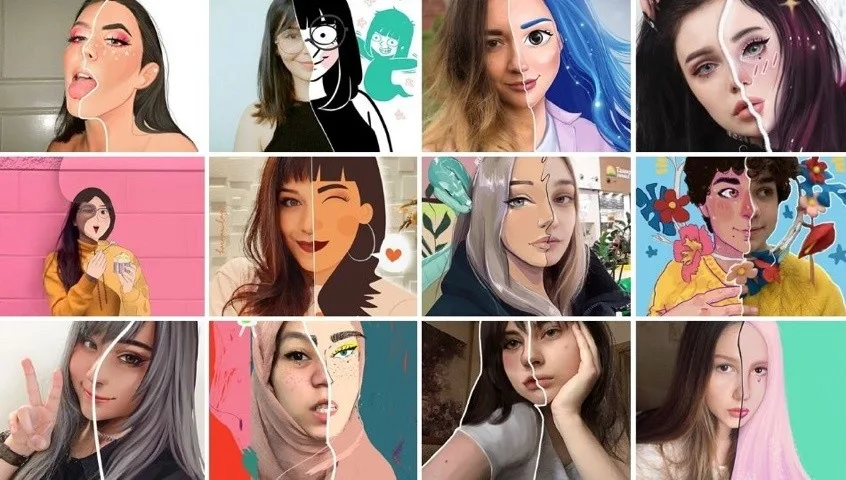
Have you ever wondered what your selfie would look like as an anime or manga character? Today you can find out in seconds: there is a wide range of apps for Android and iOS, plus AI websites that transform photos into anime, manga, or classic drawings. In this list you'll find ten apps and complementary AI tools that take your images into different art styles, from black-and-white manga to colorful anime and 3D cartoon looks.
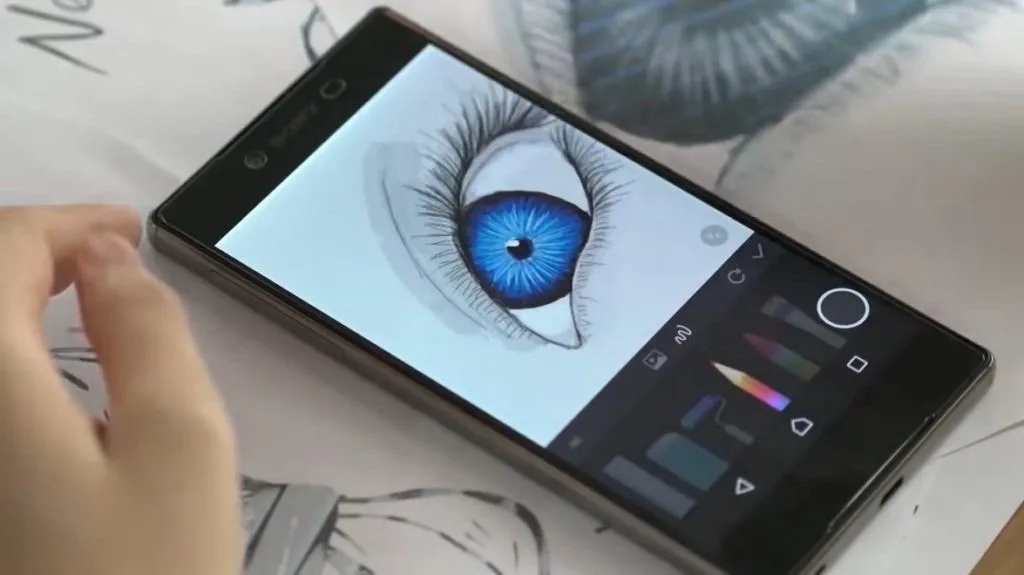
If you'd rather draw your own characters from scratch, take a look at our guide to apps for drawing manga on your phone.
Contents 19
What are anime filter apps and how do they work?
Most of these apps use artificial intelligence to detect faces and translate them into a chosen art style. Today, you can also turn to general AI image tools such as ChatGPT: upload a photo, describe the style you want in text, and the tool generates a variant. Results range from black-and-white manga to colorful anime scenes and 3D cartoon.
We're starting with AI tools because the landscape is shifting fast: new websites that transform photos or generate images from your instructions appear almost every week. A few practical tips before you try one:
Vidnoz
Platform: Web. Price: Free (with optional paid plans).
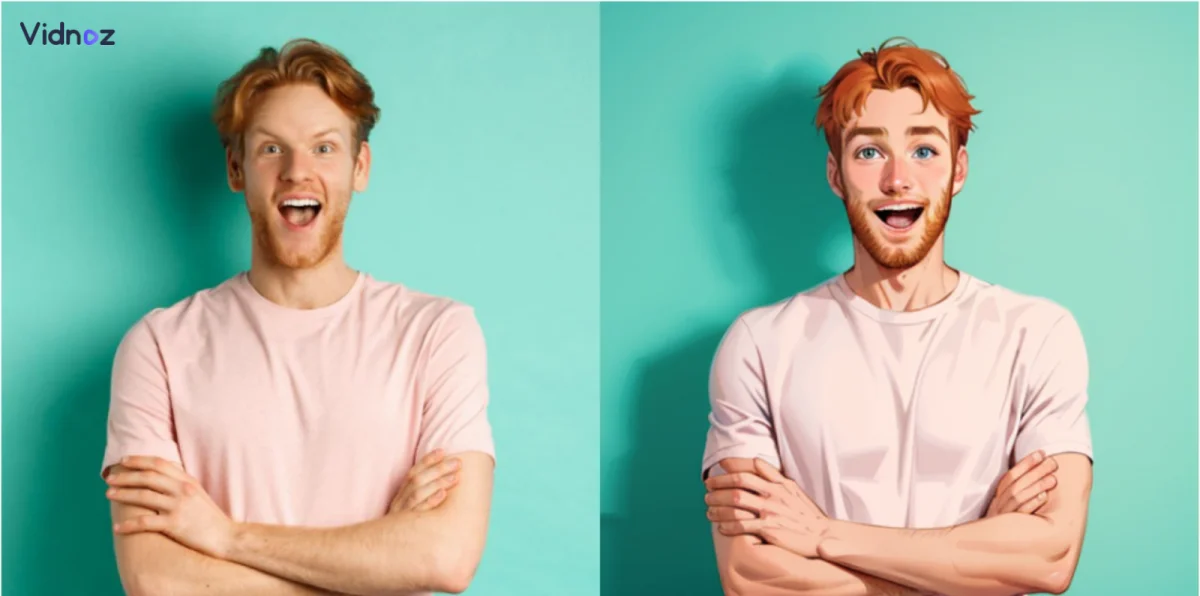
Vidnoz is a website you can use for free, straight from your browser, no installation needed. Upload a photo, the AI analyzes the facial features, and within seconds to minutes it produces several portraits. Vidnoz can also turn a portrait into a talking video: upload a photo, type a script, pick the language and voice, click generate, and a few seconds later you have an AI portrait that can speak. In some cases you'll be asked to register, but only because the resulting video is large and is sent to you by email. The basic portrait tool is free, so you can experiment without worry.
My experience using ChatGPT for an anime version
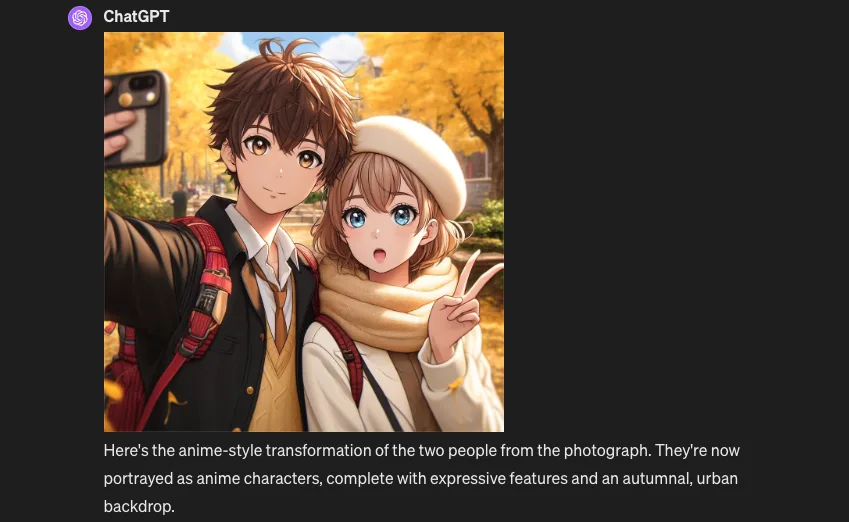
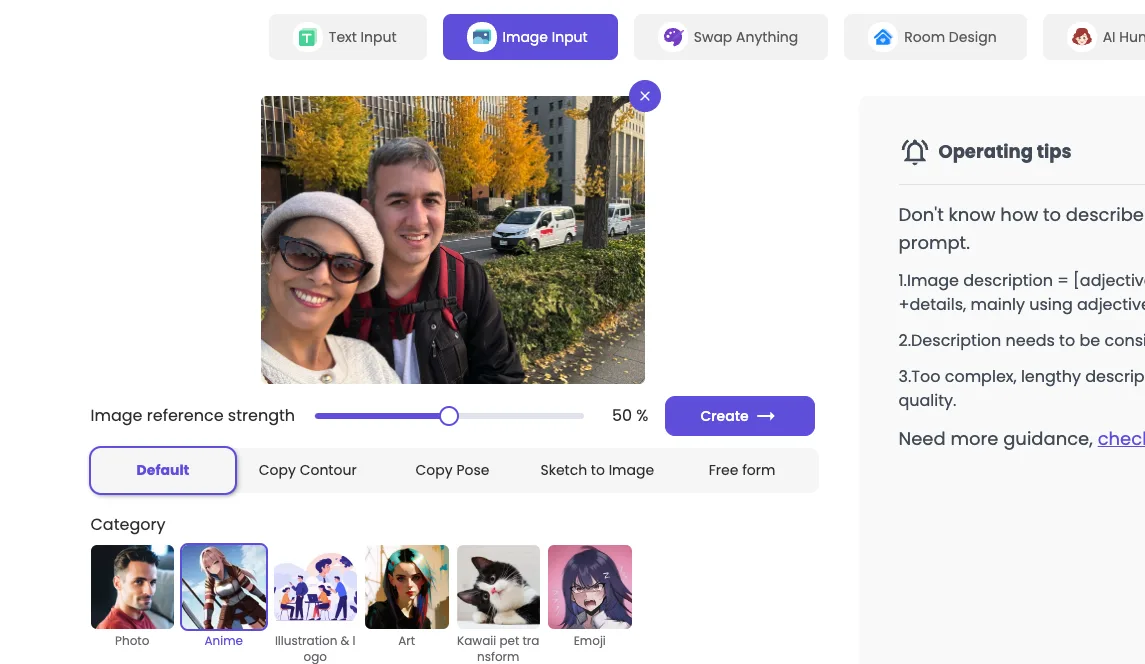
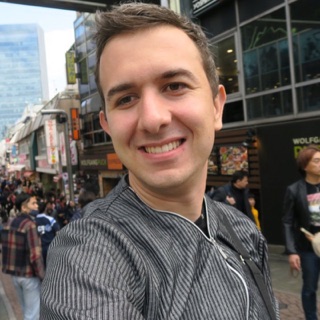
The image below was generated with ChatGPT. I uploaded one of my travel photos from Japan, the same one you'll see later in this article under the Zmo AI entry, and asked ChatGPT to turn the people in it into anime characters.
It isn't a literal transformation of the photo, but I liked that it kept our characteristics, including hair color, clothing, and accessories, and even understood that the original shot was a selfie.
All I did was upload the photo and ask for an anime version. The prompt was written in plain English, no magic words needed, and it ran on GPT-4o.
Prompts to get better anime-style results
Below is a small set of prompt keywords and examples in English that work well with image AIs when you want to turn a photo into anime, manga, or drawing styles.
General style
- Anime style: "anime", "anime style", "japanese animation", "japanese cartoon".
- Manga style: "manga", "japanese comic", "comic book", "graphic novel".
Specific details
- Eyes: "big eyes", "sparkly eyes", "kawaii eyes", "cat eyes", "detailed eyes".
- Hair: "anime hair", "manga hair", "colored hair", "long hair", "short hair", "spiky hair".
- Clothes: "school uniform", "japanese clothes", "fantasy clothes", "gothic clothes", "casual clothes".
- Face: "small nose", "small mouth", "pointed chin", "round face", "sharp features".
- Accessories: "headband", "hairband", "scarf", "necklace", "earrings".
Filters and effects
- Vintage: "vintage", "retro", "old-fashioned", "aged", "sepia".
- Cel-shaded: "cel-shaded", "toon-shaded", "comic book style", "graphic novel style".
- Sketch: "sketch", "pencil drawing", "charcoal drawing", "ink drawing".
Sample prompts
- "Transform my photo into an anime character with big eyes, long black hair, and a school uniform."
- "Make me look like a character from a seinen manga with a serious expression, short hair, and a black suit."
- "Draw me in a cute chibi style with a pink dress and a ribbon in my hair."
- "Turn my photo into a cel-shaded anime scene with a dramatic background."
- "Apply a vintage filter to my photo and make me look like a character from a classic manga."
Tips
- Be specific in your prompt for better results.
- Use keywords that describe the style you want.
- Experiment with different prompts to find what you like best.
- Combine prompts to create unique results.
Top 10 apps to turn photos into anime, manga, and drawings
Each entry below lists the main platforms, the price model, and the standout features so you can compare at a glance. The order reflects how well-known and versatile each app is; it isn't a strict ranking.
1. AnimeMe
Platforms: Web. Price: Free.
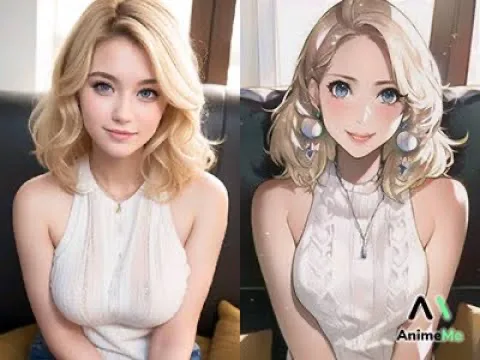
AnimeMe is a web tool that uses AI to turn your photos into cartoon-style portraits in seconds. The interface is simple: you upload a photo and the app handles the rest. New painting styles are added regularly, so the library keeps growing without you having to update anything.
If you want to impress friends with quick cartoon portraits, or just enjoy exploring different art styles, AnimeMe is an easy place to start.
2. Zmo AI Cartoon
Platforms: Web. Price: Free tier with paid plans.
Zmo AI Cartoon is an AI photo editor that pushes photo-to-cartoon transformation a step further. With a few clicks it produces highly detailed cartoon versions of your photos.
A useful feature is the customization options: you can tweak outlines, shading, and colors to match what you have in mind. The app is also updated often with new styles and presets, so the catalog stays fresh.
3. Toonify
Platforms: Web. Price: Free tier with paid plans.
Toonify adds a fun, animated feel to your images and turns them into vivid, eye-catching cartoons. The interface is straightforward, and a few clicks are enough to take a photo from snapshot to cartoon-style artwork.
Toonify's strength is its AI, which produces results that look polished rather than gimmicky. The tool also offers several creation styles, including 3D characters and Disney-style princess looks.
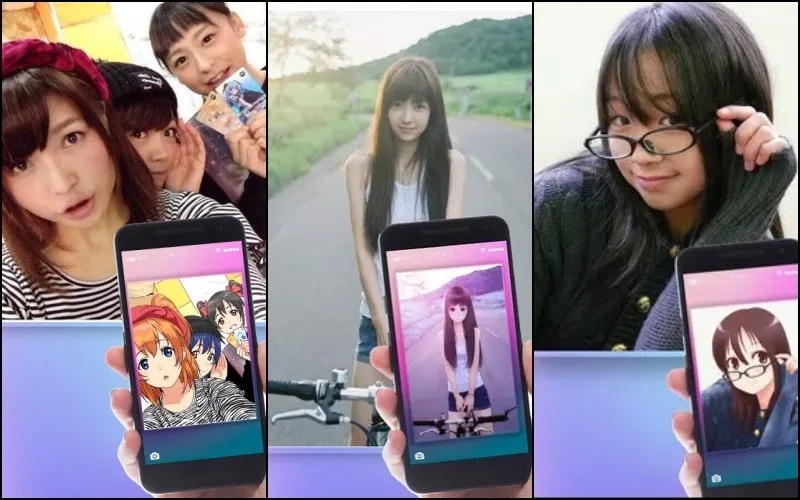
4. Anime Camera — Manga, HQ
Platforms: Android. Price: Free with ads, premium tier available.
With Anime Camera you can transform your photos quickly. The app comes with a range of filters, animated backgrounds, and other customization options, and you can share results straight to social media. One caveat: it is currently available only on Android.
5. Anime Face Changer
Platforms: Android. Price: Free with ads.
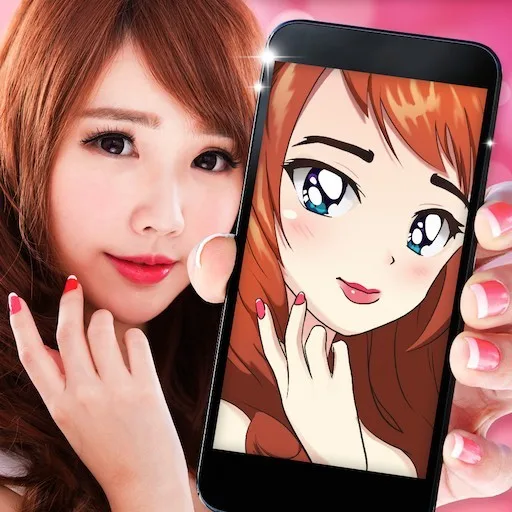
Anime Face Changer lets you build anime-versus-real-life comparisons, create an anime avatar from your face, and produce animated versions in seconds through its animated photo editor.
You get a wide variety of styles: animation, selfie, kiss face, manga photos, kawaii anime camera, manga eyes, cartoon creator, manga stickers, and cartoon transformation. It is available only for Android.
6. Cartoon Photo Editor
Platforms: Android. Price: Free with ads.
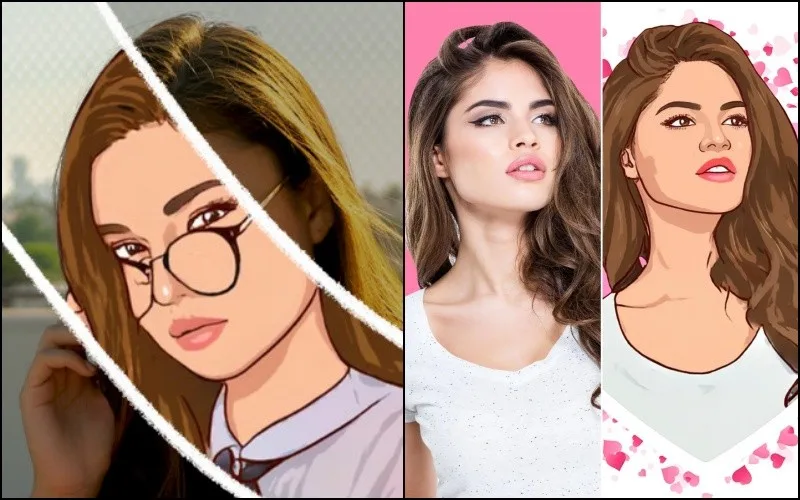
Cartoon Photo Editor adds cartoon filters to your images so they look hand-painted, with a wide range of effects to choose from.
You can also create drawings to animate your photos and, with the drawing creator, add filters and special effects with a single tap. It is also available only on Android.
7. Drawing — Cartoon Photo Editor
Platforms: Android. Price: Free with ads, premium tier available.
Drawing — Cartoon Photo Editor is more than a single-filter app: it is a small studio for photo-to-caricature, cartoon-yourself, and cartoon-photo-maker effects.
Standout features:
- Turn a photo into a cartoon drawing.
- Edit cartoon photos with a dedicated toolkit.
- Apply cartoon photo filters.
- Frame cartoon photos.
- Create cartoon photos from scratch.
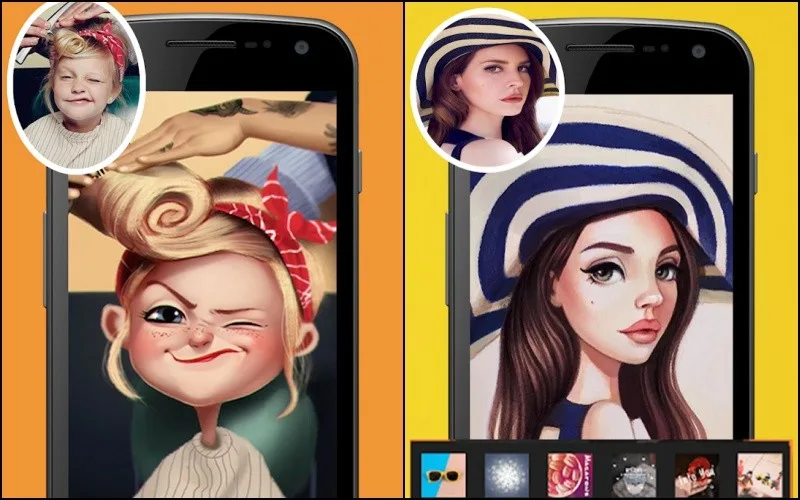
8. TwinFACE — Transform into Anime
Platforms: Android. Price: Free with ads.
TwinFACE delivers on its promise and transforms your photo in just a few seconds. The result can be saved to your gallery or shared directly to social media. Two caveats: the app requires an internet connection and is available only for Android.
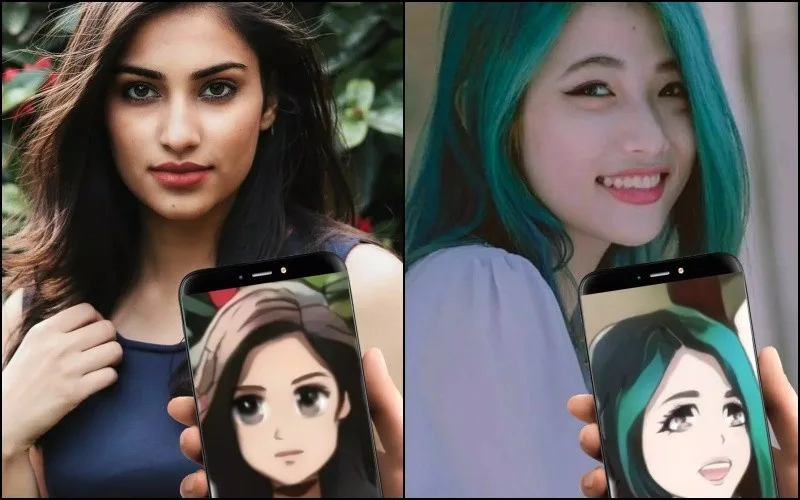
9. Comica
Platforms: iOS, Android. Price: Free with in-app purchases.
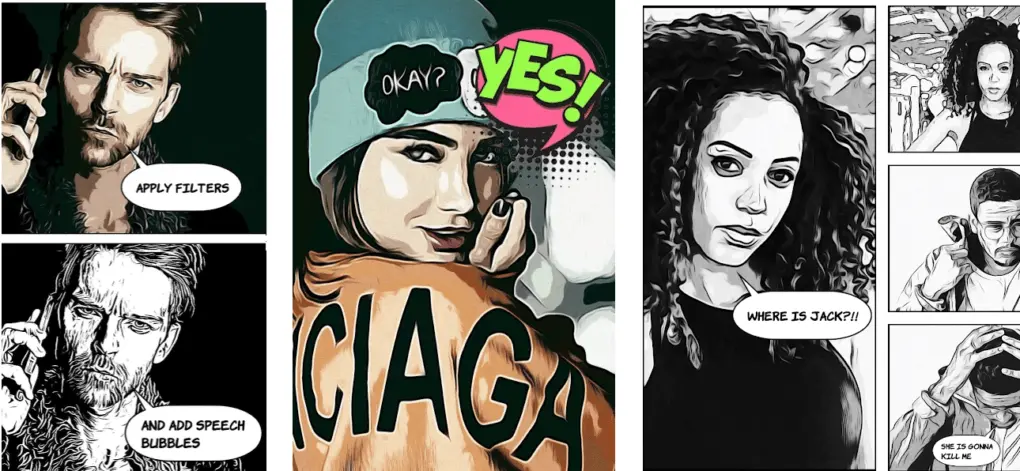
Comica is built for meme creators. It can transform your photos into animated graphics or comics: pick any photo from your gallery, or take a new one, and apply filters to turn it into a cartoon or comic panel.
You can also add comic-style speech and thought bubbles, type your message, and produce shareable memes or posters.
10. Voilà AI Artist Photo Editor
Platforms: iOS, Android. Price: Free with premium subscription.
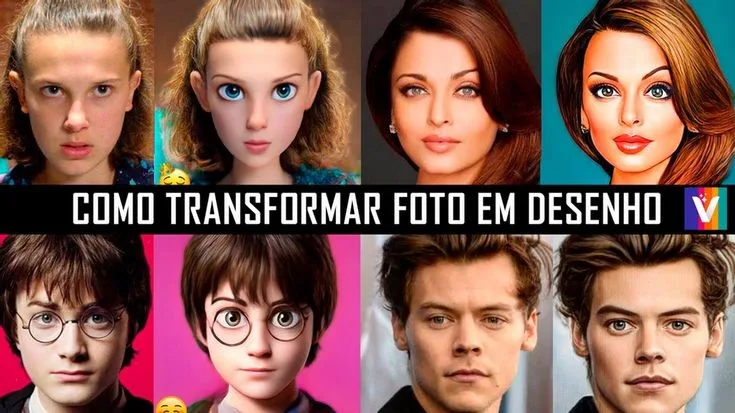
Voilà AI Artist is one of the most popular entries in this category. By combining your input with the app's AI, you can produce playful drawings and caricatures from old or recent photos.
It is simple, fast, and intuitive. After installing, the basic effects are usable without creating an account, which is unusual for this type of app.
Once your piece is ready, you can save it to your gallery or post it on social media. The app is available for free on iOS and Android, with a premium subscription unlocking extra styles and higher resolution.
If you want to keep exploring after Voilà, our guide to apps to learn Japanese pairs nicely with the anime theme.
More apps worth trying
Beyond the top 10, a few other apps and AI sites are worth a look if you want to experiment further. As with any tool, check recent reviews on the Play Store or App Store before installing; quality varies a lot in this category.
- Photo Lab (iOS, Android, free with Pro tier): a versatile editor with over 800 effects, useful when you want filters, frames, and montages in one app.
- ToonMe (iOS, Android, free): a simple tool that turns your photo into a drawing and lets you add small embellishments like glasses or mustaches.
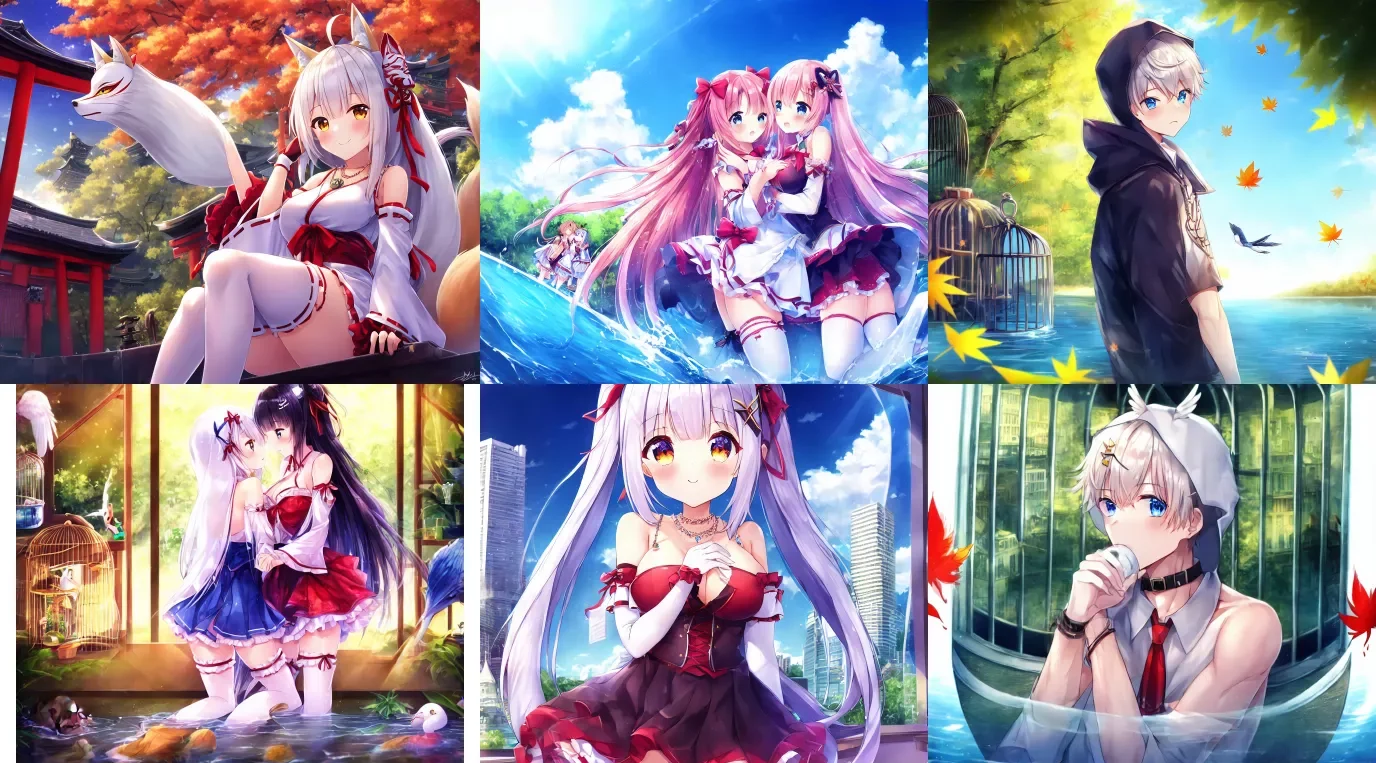
- Selfie 2 Waifu (Web, free): a web platform that uses the UGATIT algorithm to convert a portrait into an anime-style image; it works best with a clear, front-facing face and tends to give more polished results for feminine portraits. Output is low resolution, which is fine for social media.
- AnimeArt (iOS, Android, free with premium): an AI editor focused on manga and anime looks, with several Japanese-style filters and effects.
- Cartoonify (iOS, Android, free with premium): a small studio-style editor that lets you tweak line thickness, color palette, and other details when turning a photo into a cartoon.
On the AI-web side, several tools can also turn a photo into an anime or manga version. The landscape changes fast, but names that come up often in 2026 include Fotor, MyEdit, VanceAI, ZMO.AI, Different Dimension Me, Anime Art Painter, and Pica AI. Treat any tool with caution when uploading personal photos, and prefer services that explain how your images are stored.
Free vs. premium: what you actually pay for
Most apps in this list follow a similar model: a free tier that covers the basic transformation, plus a paid tier that removes ads, adds higher resolution, or unlocks extra styles. A few patterns are worth knowing:
- Free tiers usually add a watermark or limit how many images you can process per day. If you only need one good result for a profile picture, the free tier is often enough.
- Premium typically unlocks higher output resolution, full style libraries, and ad-free editing. A monthly subscription is common, and yearly plans are usually cheaper per month.
- Web AI tools like Vidnoz, Zmo AI, and Toonify often have a free quota of generations and then charge per image or per month. Read the pricing page before uploading a batch of photos.
- One-time purchases are rare in this category. If a tool offers a flat one-time fee, read what is and isn't included before paying.
A practical rule: start with the free tier of two or three apps, pick the one whose style you like most, and only then consider paying for premium.
Privacy and your photos
Uploading a selfie to an AI service is not the same as posting it on social media. A few points to keep in mind:
- Read the data policy. Before uploading, check whether the service uses your photos to train future models, how long images are stored, and whether they are shared with third parties. Reputable apps publish this in plain language.
- Strip metadata. A phone photo often carries GPS coordinates and device info. If that matters to you, remove EXIF data before uploading, or use a service that does it for you.
- Avoid sensitive images. For experimental tools, prefer a photo that is already public, or one where you don't mind the result being stored on someone else's server.
- Prefer on-device apps for the most private workflow. Web AI tools, by definition, send your image to a remote server.
- Delete when you're done. Some services keep your image and its AI output in your account. If you stop using the app, delete the uploads or close the account.
Conclusion
Ten years ago, turning a selfie into an anime portrait meant paying an artist and waiting days. Today, any phone can do it in a few seconds, and a good chunk of these apps are free. The hardest part is choosing a style you actually like.
If we had to pick a starting trio, it would be Voilà AI Artist for a polished cartoon look, Toonify for a more playful 3D feel, and ChatGPT or Vidnoz when you want a more flexible AI you can guide with a prompt. From there, the rest of the list is exploration.
Which app on this list matches the style you had in mind, and which style do you find yourself going back to: anime, manga, chibi, or 3D cartoon?

Community
Comments
0 comments
There are no published comments in this language yet.
Send comment