
Changing your name to Japanese in Roblox is a creative way to personalize your account and stand out among other players. The process is simple and involves using Japanese characters, such as hiragana, katakana or even kanji, depending on your preferences. To help you make this change safely and without complications, check out this step-by-step guide that includes useful tips and important precautions.
Here’s how you can change your name to Japanese in Roblox:
Contents 7
How to set your name in Japanese on Roblox
Roblox allows you to customize your display name, including the use of Japanese characters. Here’s the step-by-step:
1. Access your Roblox account
- Log in to the official Roblox website (roblox.com).
- In the upper right corner of the screen, click on the gear icon and go to “Settings”.
2. Locate the "Display Name" option
- Within the settings, click on "Account Info".
- Find the field called "Display Name" and click the edit icon next to it.
3. Enter the name in Japanese
- Use a keyboard set to the Japanese language. If you don’t have one, you can enable one on your device:
- Windows: Go to "Settings > Languages" and add Japanese.
- Mobile: Install a keyboard like Google Japanese Input.
- Type the name in hiragana, katakana or kanji.
- Make sure the characters are allowed and comply with Roblox guidelines.
Examples of names:
- In katakana: タカシ (Takashi).
- In kanji: 陽翔 (Haruto).
4. Save the changes
- After entering the new name, confirm the changes by clicking "Save".
- Remember that changing your display name in Roblox is free and different from changing your username, which requires payment in Robux.
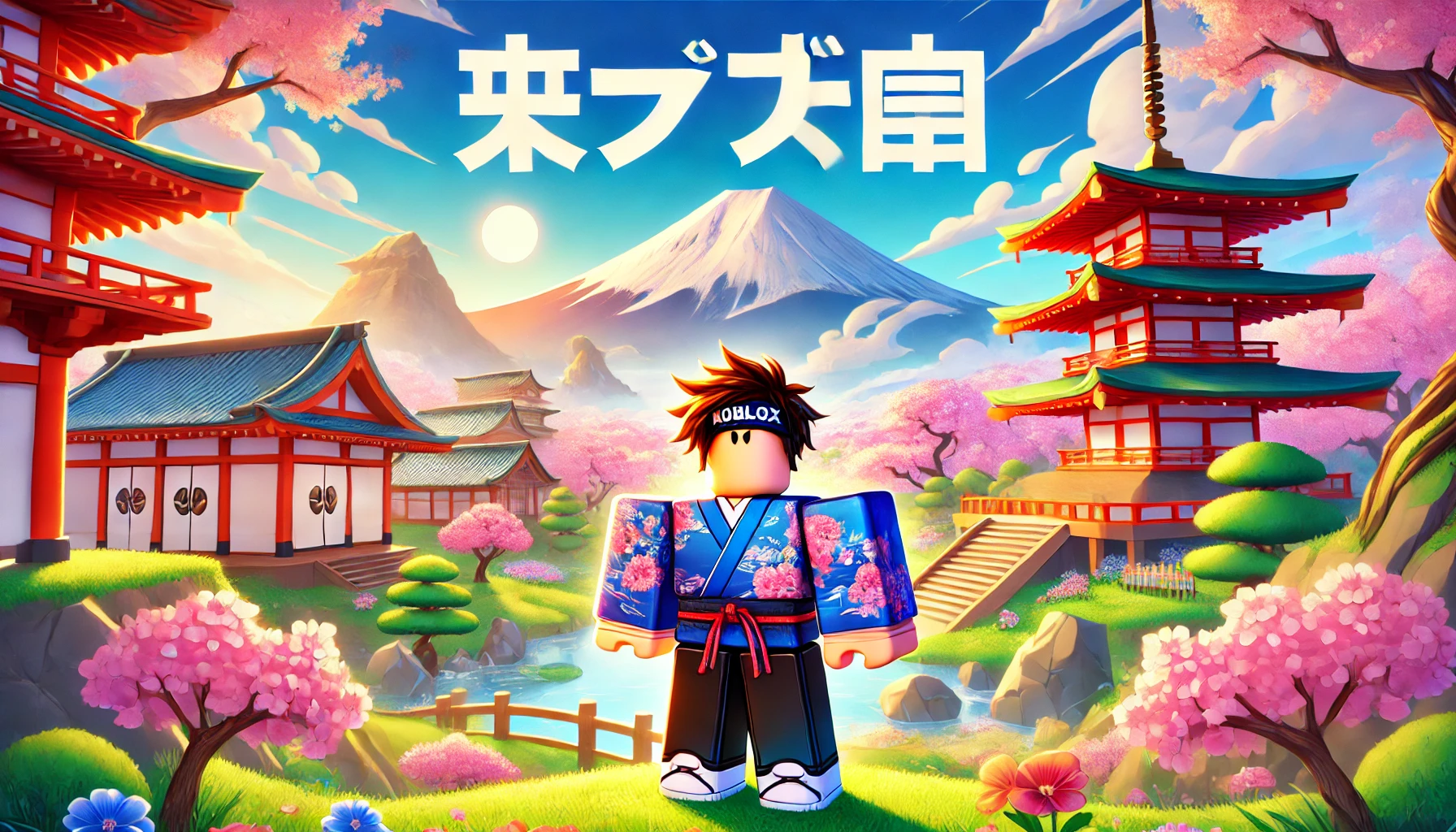
Precautions when using Japanese characters in Roblox
Before finalizing the change, it’s important to consider some rules and limitations:
- Character restrictions: Some kanji or very complex combinations may not be accepted. Test different versions of the name to ensure compatibility.
- Community guidelines: Choose a name that is not offensive or inappropriate. Otherwise, your account may be penalized.
- Name availability: The chosen name must be unique. If it is in use, you will need to create a variation.
Tips for customizing your display name
- Use a reliable translator: If you don’t have knowledge of Japanese, use translators or specialized websites to choose the correct characters.
- Test first: Try the name on an alternative account to check if everything works correctly.
- Avoid long names: Prefer short names, which are easier to read and remember.
Adopting a name in Japanese on Roblox is a unique way to show creativity and interest in Japanese culture. With these tips, you’ll be ready to stand out in the game with a stylish and authentic name.


Community
Comments
0 comments
There are no published comments in this language yet.
Send comment