
Complete anonymity online is not a switch you turn on. It means reducing what different services can learn about you, then avoiding habits that reconnect those pieces. For most people, a useful goal is better privacy: fewer trackers, safer accounts, and less personal information left in public places.
Start with changes that protect the accounts and devices you already use. Save stronger measures for situations that genuinely need them. A private browser window, a VPN, and Tor solve different problems; none makes every action anonymous on its own.
Contents 13
Privacy and anonymity are not the same thing
Privacy is control over who can see information about you. Anonymity goes further: it tries to keep an action from being tied to your identity. You can improve privacy while signed in to an account, but signing in also tells that service who you are.
That distinction helps avoid a common mistake. Incognito or private mode usually keeps local history and cookies from being saved after a session. It can be useful on a shared computer, yet websites, your network, and the account you log into may still recognize activity.
Begin with your accounts
Reused passwords turn one old breach into a problem across several services. Use a password manager to create a different password for every important account, then enable two-factor authentication where it is available. An authenticator app or a security key can add protection even if a password is exposed.
It is also worth checking whether an email address appears in a known breach through Have I Been Pwned. A result is a reason to change a password and review account security, not proof that an account has been taken over.
Reduce routine tracking
Most tracking is ordinary rather than dramatic: cookies, embedded buttons, advertising scripts, and permissions accepted without much thought. Small settings changes can remove a surprising amount of it.
- Review browser privacy settings and enable protections against cross-site tracking. Firefox explains its Enhanced Tracking Protection and what it covers.
- Check phone permissions. Location, contacts, microphone, camera, and photos should be available only to apps that need them for a feature you use.
- Sign out of accounts when you do not need them, especially on shared devices.
- Think before posting a birthday, address, travel plan, or identifying photo. Once shared, that information is hard to take back.
Blocking every cookie can make some sites inconvenient or unusable. A more realistic approach is to block unnecessary tracking, clear data when it matters, and keep a separate browser profile for work, shopping, or other activities you do not want mixed together.
What a VPN can and cannot do
A virtual private network sends your connection through a VPN provider before it reaches a website. This can hide your home IP address from that website and help protect traffic on public Wi-Fi. It does not make an account anonymous: logging in, sharing your name, or using the same identifying browser profile can still connect activity to you.
Choose a provider carefully, because it becomes part of the path your traffic takes. Read its privacy policy, understand what information it says it keeps, and avoid treating a VPN as a guarantee against every kind of tracking. The practical benefit is added protection and fewer direct clues about your location, not invisibility.
When Tor Browser makes sense
Tor Browser is designed to defend against tracking and surveillance, including fingerprinting protections. It can be useful when you need stronger separation between browsing activity and your usual identity. It may also be slower than a regular browser, and some sites may show extra verification or refuse connections.
Its protection depends on how you use it. Signing in to a personal account, reusing personal details, or adding unnecessary extensions can undo the separation you wanted. Keep the browser updated and follow the project safety guidance instead of changing settings at random.
Keep identities separate when the situation calls for it
If a forum, newsletter, or online service does not need your legal name, do not offer more than it needs. Use an email address that is separate from your main inbox when appropriate, and keep public profiles limited to information you are comfortable connecting to your real identity.
You may also see the Portuguese term navegador antidetect used for software that keeps multiple browser profiles separate and manages the fingerprint each profile presents to websites. That can support legitimate testing or account management, but it is not the same as personal anonymity and does not replace the privacy habits above.
This is not about creating a false story. It is about avoiding unnecessary links between accounts. A username, profile photo, recovery email, or repeated writing habit can tie supposedly separate profiles together. For everyday use, the simplest rule is to share less and keep important accounts well protected.
A practical order of priorities
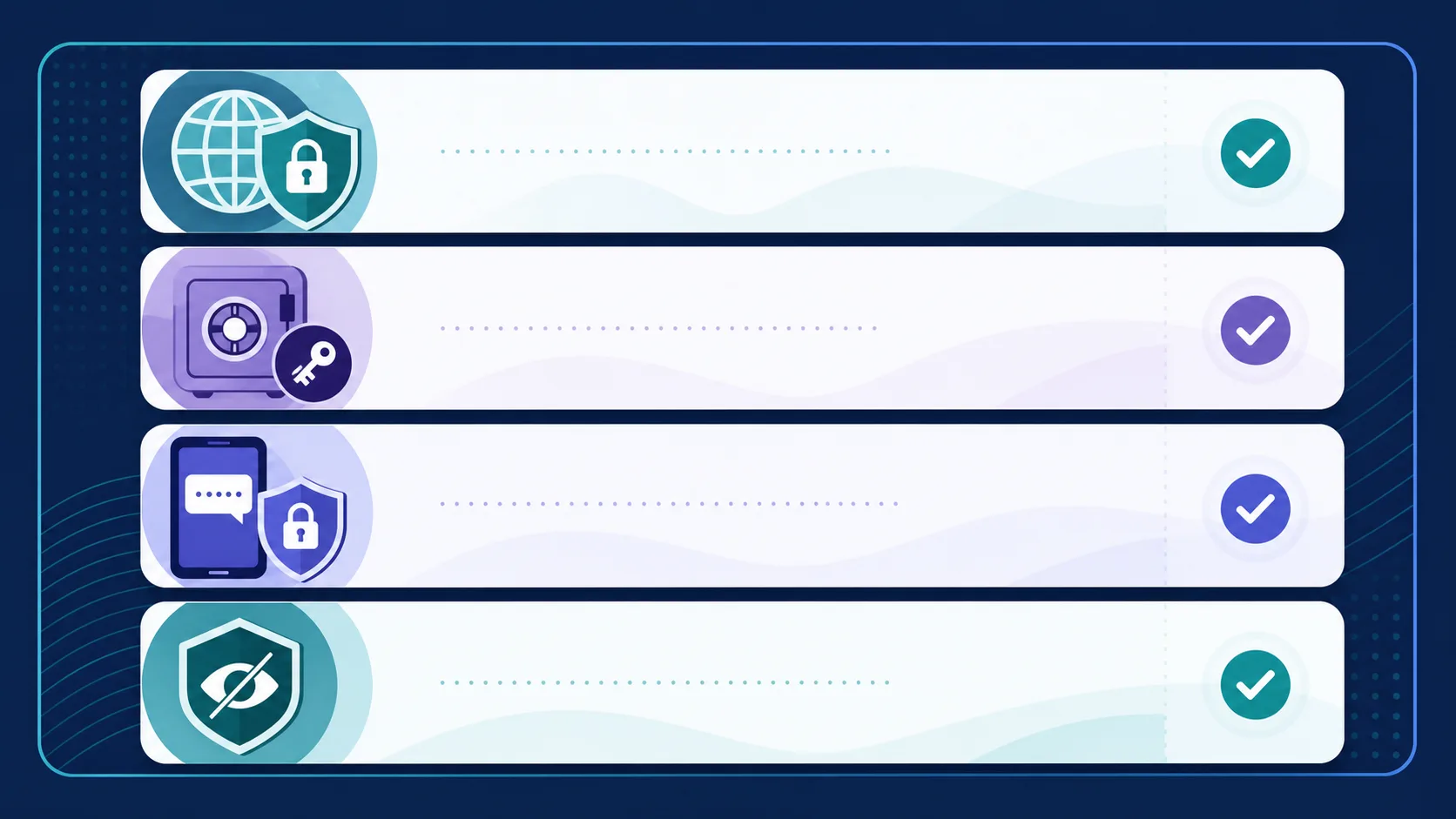
- Use unique passwords and turn on two-factor authentication for email, banking, and social accounts.
- Review app permissions and browser tracking protections.
- Remove old accounts and public details you no longer need online.
- Use a VPN when public Wi-Fi or IP-based location exposure is a concern.
- Use Tor Browser only when its trade-offs fit the situation and you can avoid linking it to personal accounts.
The Electronic Frontier Foundation's Surveillance Self-Defense guide is a useful next stop when you want advice for a specific concern, from safer communications to protecting a device.
Frequently asked questions
Does incognito mode make me anonymous?
No. It mainly limits what is stored on the device after a session. The sites you visit and the accounts you use can still identify activity.
Is a VPN enough for anonymity?
No. A VPN can reduce IP-based exposure, but accounts, browser data, and information you share can still identify you.
Should I use Tor every day?
Not necessarily. It is best for situations where stronger browsing separation is worth slower performance and occasional site restrictions.
What is the first privacy change to make?
Protect your email account with a unique password and two-factor authentication. It is often the recovery point for many other accounts.
Bottom line
Better online privacy comes from consistent choices, not one product or setting. Protect accounts first, reduce routine tracking, and match tools to the risk you face. That approach is more useful than chasing a promise of total anonymity that the internet cannot honestly deliver.




Community
Comments
0 comments
There are no published comments in this language yet.
Send comment