
Hub offers a way to earn money by recording real activities for robotics and artificial intelligence projects. Contributors select an available task, follow its recording instructions and send the video for review.
Payment depends on accepted contributions and the terms of the program. Before you start, read how Hub measures approved time. Read what rights you grant for your recordings.
Hub's public presentation says it accepts recordings from the Americas. Before you sign up, make sure your country meets the program's requirements.
Contents 10
What is Hub and why does it pay for recordings
Hub Data collects recordings of human activities for companies and researchers working on AI and robotics. A first-person video can show how a hand reaches for an object, the order of a task and how the surrounding environment changes.
These recordings can form datasets used to train and evaluate systems that interact with the physical world. Hub defines the tasks and their requirements. A video made without following a task's instructions can fail to meet the program's requirements.
The company's recording app is listed as Hub Capture on the App Store and Google Play. Both descriptions discuss recording activities and payment after approval.
How to start recording tasks
Open the Hub sign-up page with the KEVINB invitation. This is a referral link; the publisher can receive a commission under the program’s rules. Make sure your account meets the requirements. Find the open programs and the app Hub asks you to use.
Read each task before you prepare the recording area. Look for the required camera position, duration, equipment and payment. Follow the instructions shown in your account. Requirements can be different for each program.
- Choose an available task and read its requirements.
- Prepare your phone, lighting and any support the task requires.
- Record the complete activity as instructed.
- Review the video and submit only material you agree to share.
- Check the review result and your balance in your account.
Hub's public presentation mentions a starter kit with a head strap and phone mount. Look in your account for the kit's availability and shipping conditions. An app listing alone does not mean every task will work on every phone.
What kinds of tasks can you record
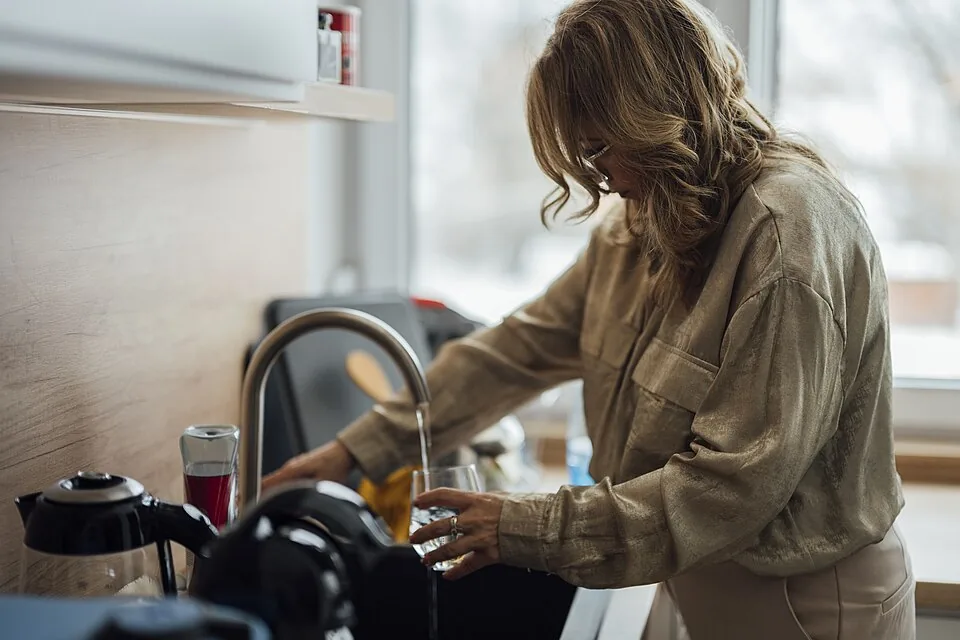
Examples include preparing food, washing dishes, arranging objects, folding clothes and caring for plants. Depending on the program, work activities such as arranging products or using tools can also appear. These examples show the type of activity; your account shows which tasks are open to you.

Get permission from the person responsible for the workplace before recording there. Do not film customers, documents, business information or restricted areas. A familiar task can still reveal details about the place where it happens.
How Hub calculates payment
Hub describes payment for approved recording hours. Each submission is reviewed. The time accepted for payment can be different from the time you spend preparing, recording and uploading. Read the task's rate. Look in your account for the available withdrawal methods.
On November 19, 2026, Hub's public rate reference listed US$3.00 for each approved hour of household recordings. Rates can change. Read the rate shown in your account or task before you record. Work programs, bonuses and currencies shown in the app can have different terms.
Time spent and time approved
Consider an example: you spend two hours and twenty minutes preparing, recording and uploading. If one hour is approved at a hypothetical US$3.00 rate, the recording would earn US$3.00. Divided by the full time spent, that is about US$1.29 per hour. This calculation helps compare the reward with your time; it does not predict your income.
Check your withdrawal options
Look in your account for the withdrawal minimum, processing time and identity requirements. Payment options depend on the country and program. Keep a record of your submissions and review results so you can assess your own experience.
Hub’s public page mentions withdrawals by PIX or bank transfer.
What to consider before sharing a video
The app description says you can delete a recording instead of sending it. Submitted recordings can become training datasets for robotics and AI under the terms you accept when you sign up.
Hub's privacy policy describes information that can include video, audio, sensor data and location. It also says clients can keep copies of recordings already licensed to them. Read the current privacy policy and the agreement shown in your account before consenting.
Remove mail, identity documents, passwords and screens with private information from the camera view. Think about the sound and the details visible in the room as well. If other people can appear or be heard, get the consent required by the task and Hub's terms.
Who can join
Hub's public presentation says it accepts recordings from the Americas. The app listing describes participation for adults aged 18 and over. Before expecting payment, look in your account for country and phone requirements, available tasks and payment methods.
Enter your correct location when you sign up.
Can you invite other people
Hub has a referral program connected to approved contributions. Its public rate reference lists two levels: people you invite directly and people they invite. Rates and conditions can change. Read the referral page in your account before sharing your invitation.
Suki Desu and the independent Hub guide have the same editor. The KEVINB sign-up link is a referral link and can earn the editor a commission if the program's conditions are met.
How to decide whether Hub suits you
Look at the program's requirements, the available tasks and their rates. Read the approval rules and data terms before recording. If a contribution is approved and you complete a withdrawal, you can compare the time spent with the amount received in your own account.
Include privacy and permission in that decision. If the conditions suit you, the Hub sign-up page with the KEVINB invitation lets you see the opportunities available to your account.



Community
Comments
0 comments
There are no published comments in this language yet.
Send comment